




pageo
  • Pricing
  • Profiles
Sign inStart free
pageo

Your links, your work, and every message, on one page.

Product

  • Features
  • Pricing
  • Templates
  • Examples
  • Top profiles
  • Integrations
  • Free tools
Compare
  • Linktree
  • bio.fm
  • Beacons
  • Campsite.bio
  • Taplink
  • Lnk.Bio
  • Alternatives

Resources

  • Docs
  • Changelog
  • Blog
  • Glossary
  • Link in bio guides
  • Who it's for

Company

  • About
  • Contact
  • Follow onX

© 2026 pageo

  • Terms
  • Privacy
  • Content policy
PAGEO
PAGEO
  1. Link in bio
  2. GitHub

The link in bio for GitHub.

GitHub gives you a website field and four social links. Point the website at a pageo page that you also manage from a repository.

pageo.me/
alex
pageo.me/mirakowalski

Mira Kowalski

Open source maintainer

I maintain a static site generator and too many dotfiles. Sponsors keep the lights on. Talks and posts below.

GitHubX
GitHubmirakowalski
FebMarAprMayJunJulAugSepOct

3,019 contributions in 2026

My Links

Sponsor the projectgithub.com/sponsors/mirakowalski
Talk: static sites at scalemira.dev/talks
Join mirakowalski on pageo

Mira Kowalski

Open source maintainer

I maintain a static site generator and too many dotfiles. Sponsors keep the lights on. Talks and posts below.

GitHubX
GitHubmirakowalski
FebMarAprMayJunJulAugSepOct

3,019 contributions in 2026

My Links

Sponsor the projectgithub.com/sponsors/mirakowalski
Talk: static sites at scalemira.dev/talks
Join mirakowalski on pageo

Step by step

Add your link to GitHub

  1. 1

    Click your profile picture, then click Settings.

  2. 2

    Under Public profile, add your pageo.me link as your website and edit your bio.

  3. 3

    Under Social accounts, paste the full addresses of up to four profiles.

  4. 4

    Click Update profile.

At a glance

Bio length
160 characters
Links on the profile
One website and up to 4 social accounts
Profile README
Markdown links in your README are clickable

Checked on October 10, 2026. Platforms change these often.

  • GitHub docs: personalize your profile
  • GitHub docs: users API

A link page that lives in git

Managed from a repository

Keep a pageo.json file in a repository named pageo, and every push to main updates the page your GitHub profile links to.

Your graph, again

Add your GitHub username and your contribution graph shows on your pageo page next to your projects and talks.

Every link past four

GitHub takes four social accounts. pageo takes as many as you have, with icons for GitLab, Mastodon, dev.to, and more.

Built in

What your page can do

Bio page

One clean page, every link you share.Explore

Custom domains

Run your page on a domain you own.Explore

Analytics

Visitors, clicks, and forms in one view.Explore

Common questions

  • 160 characters, according to GitHub's docs.

  • Up to four social accounts, plus one website field. Your profile README can hold more links in Markdown.

  • Yes, for free. Create a repository named pageo with a pageo.json file and add the webhook from your pageo admin. Every push to main updates your page.

From the blog

A pageo profile with social links, a GitHub activity graph, and a grid of links

Product

Jan 13, 2026

What is pageo? A minimal, developer-friendly link-in-bio tool

pageo is a fast link-in-bio page with forms, one inbox, an audience you can email, and analytics. Manage it in the editor or as code with GitHub sync.

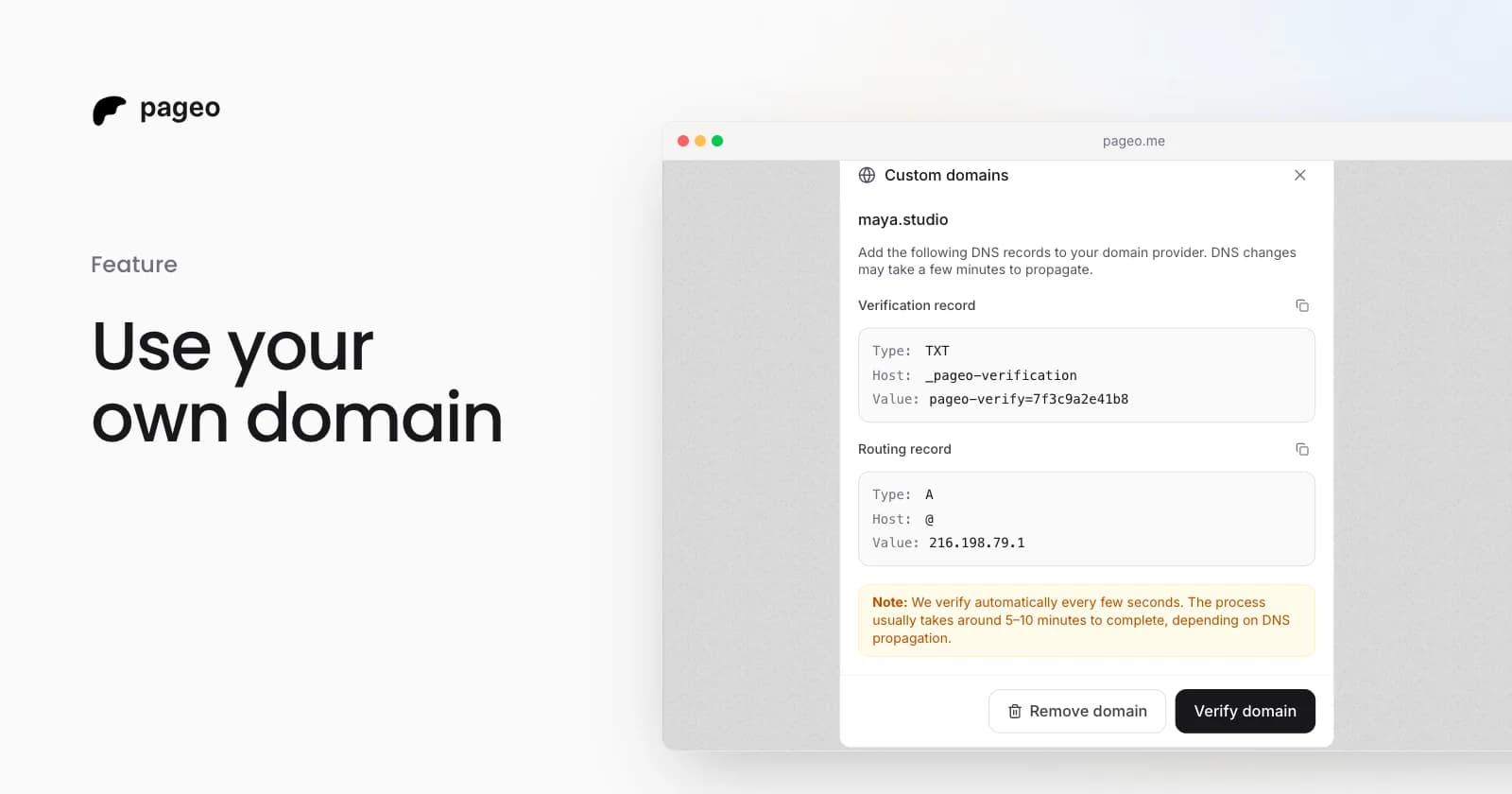
The pageo custom domains dialog with the DNS records to add

Feature

Feb 19, 2026

Custom domains are here: use your own URL for your link-in-bio

Connect your own domain to your pageo profile. Add two DNS records, let pageo verify them, and share a branded URL like links.yourname.com.

Keep exploring

Related

  • GitHub integration

Link in bio

  • Instagram
  • TikTok
  • X
  • YouTube
  • LinkedIn
  • Threads
  • Twitch
  • Pinterest
  • Facebook
  • Snapchat
  • Bluesky
  • Substack
  • Discord
  • Kick
Instagram
GitHub

Your whole internet, one link.

Claim your page in under a minute. No card needed.
pageo.me/
alex