

pageo
  • Pricing
  • Profiles
Sign inStart free
pageo

Your links, your work, and every message, on one page.

Product

  • Features
  • Pricing
  • Templates
  • Examples
  • Top profiles
  • Integrations
  • Free tools
Compare
  • Linktree
  • bio.fm
  • Beacons
  • Campsite.bio
  • Taplink
  • Lnk.Bio
  • Alternatives

Resources

  • Docs
  • Changelog
  • Blog
  • Glossary
  • Link in bio guides
  • Who it's for

Company

  • About
  • Contact
  • Follow onX

© 2026 pageo

  • Terms
  • Privacy
  • Content policy
PAGEO
PAGEO
  1. Link in bio
  2. YouTube

The link in bio for YouTube.

Your channel shows one link by the Subscribe button and hides the rest. Make that first link a page with everything on it.

pageo.me/
alex
pageo.me/theolindqvist

Theo Lindqvist

Woodworking channel

Building furniture with hand tools, one slow video at a time. Plans and tool lists for every build below.

Instagram

My Links

Plans for the walnut desktheobuilds.com/desk
My hand tool kittheobuilds.com/tools
Join theolindqvist on pageo

Theo Lindqvist

Woodworking channel

Building furniture with hand tools, one slow video at a time. Plans and tool lists for every build below.

Instagram

My Links

Plans for the walnut desktheobuilds.com/desk
My hand tool kittheobuilds.com/tools
Join theolindqvist on pageo

Step by step

Add your link to YouTube

  1. 1

    On a computer, sign in to YouTube Studio.

  2. 2

    Select Customization, then Profile.

  3. 3

    Under Links, click Add link, then enter a title and your pageo.me link.

  4. 4

    Click Publish. Your first link is the one that shows next to Subscribe.

At a glance

Links on the channel
Up to 14. The first shows near the Subscribe button, the rest behind more links.
Links in Shorts
URLs in Shorts descriptions and comments are not clickable.
Description length
Reported as 1,000 characters. YouTube's help pages do not state it.

Checked on October 10, 2026. Platforms change these often.

  • YouTube help: channel links
  • YouTube help: clickable links

The first link is the one people see

One visible link, many behind it

YouTube shows your first channel link by Subscribe. Make it your pageo page and every other link is one tap away.

Your videos on your page

Connect YouTube to pageo and your latest videos show as a grid that updates when you upload.

A home for Shorts viewers

Links in Shorts descriptions do not work, so point viewers to your channel link and let pageo do the rest.

Built in

What your page can do

Bio page

One clean page, every link you share.Explore

Audience

Let visitors subscribe to your updates.Explore

Analytics

Visitors, clicks, and forms in one view.Explore

Common questions

  • Up to 14 channel profile links, according to YouTube's help center. The first one shows near the Subscribe button.

  • No. YouTube says URLs in Shorts descriptions and comments are not clickable. Links in long-form video descriptions are, when advanced features are turned on.

  • Yes. Connect YouTube in Settings, under Integrations, and pick 2 or 3 columns. The grid updates as you upload.

From the blog

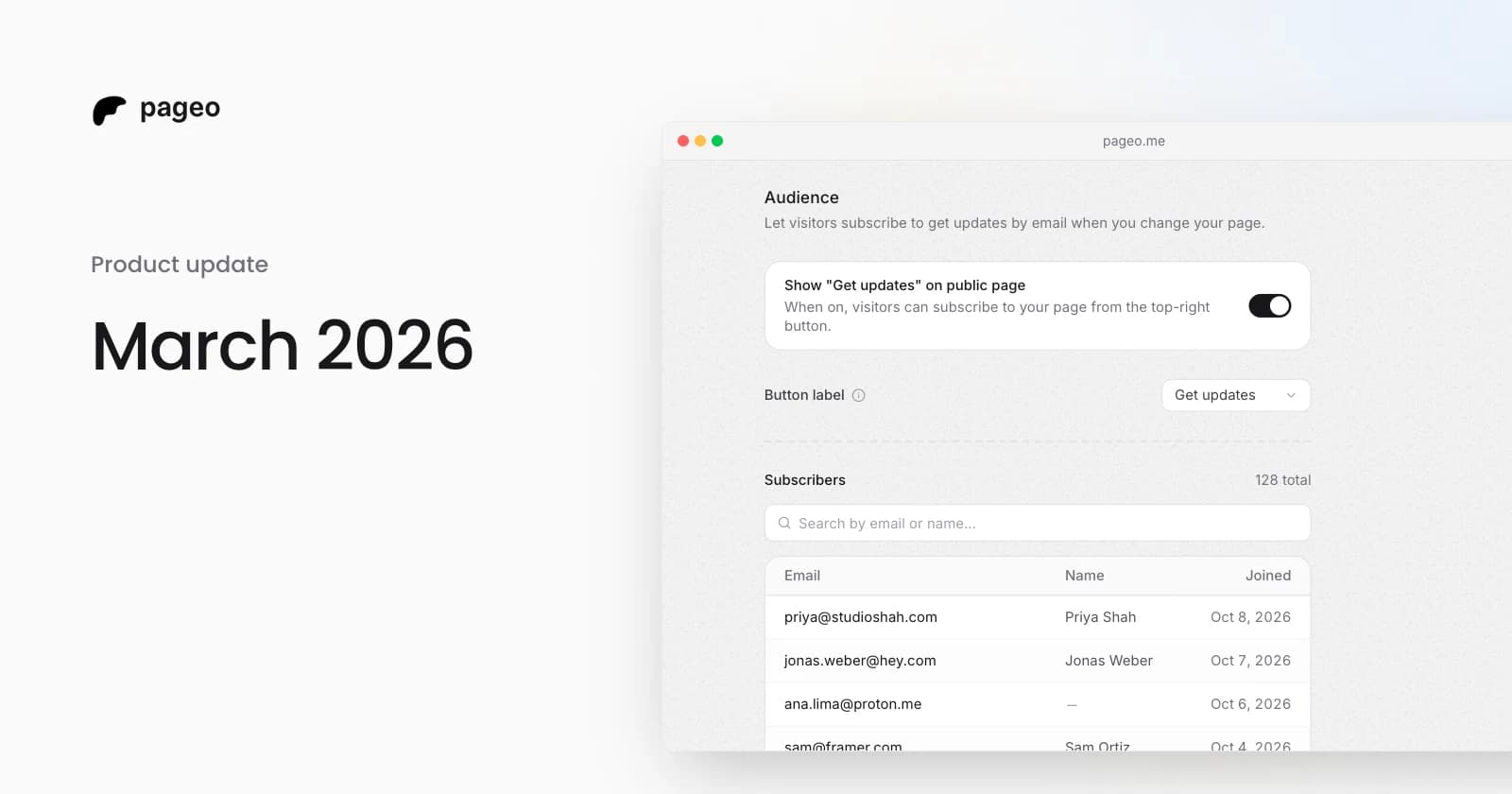
pageo audience settings with the subscribe toggle and a list of subscribers

Product

Mar 29, 2026

March 2026 update: integrations, analytics, and a more expressive profile

Instagram and YouTube grids, Google Analytics, GitHub contributions, maps, section reordering, background themes, audience subscriptions, and SEO settings.
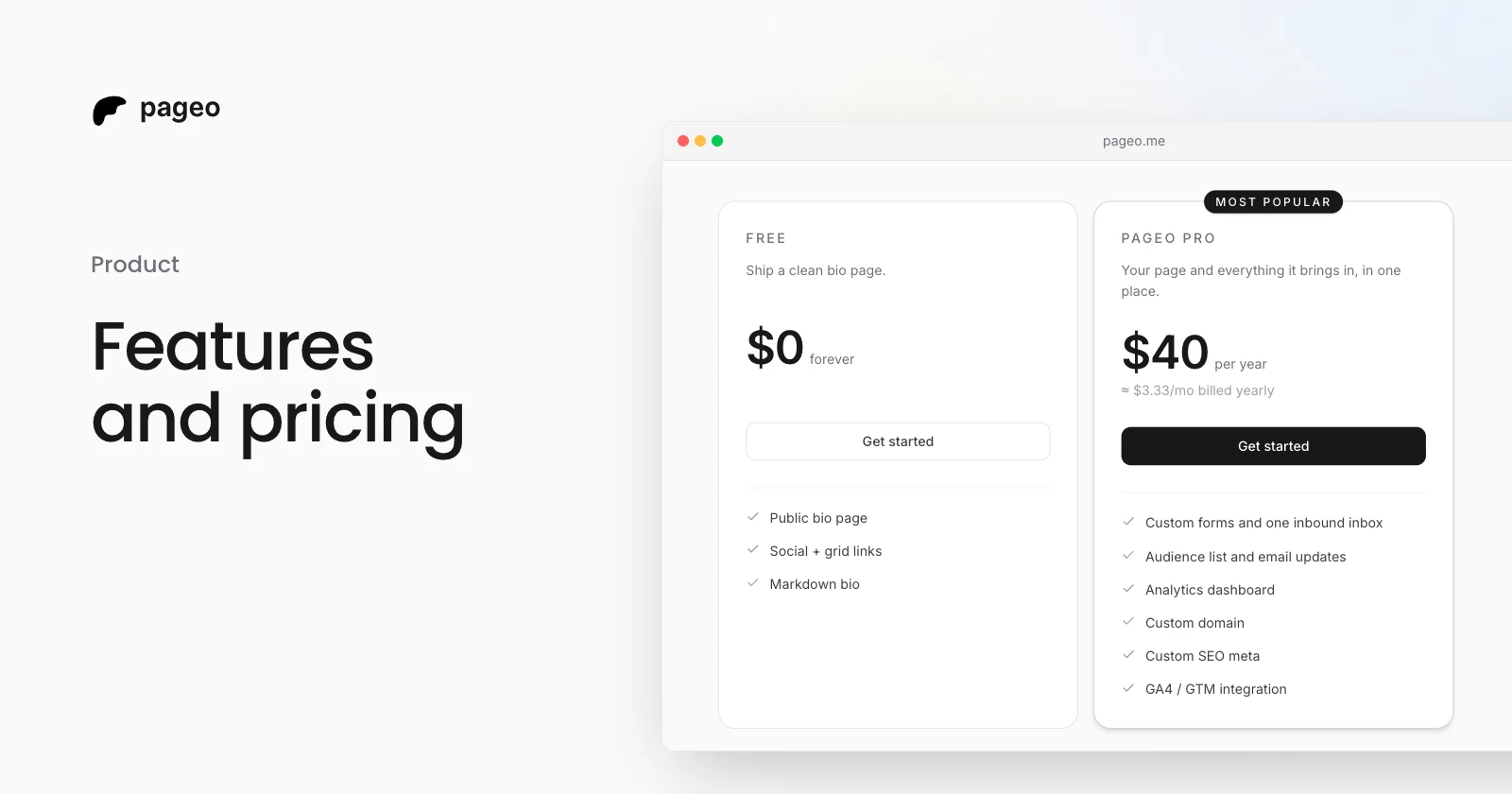
The pageo Free and pageo Pro plans side by side

Product

Jan 15, 2026

Features and pricing: everything you need to know about pageo

What the free pageo plan includes, what pageo Pro adds, and what it costs. A plain guide to choosing a plan for your link-in-bio page.

Keep exploring

Related

  • YouTube integration

Link in bio

  • Instagram
  • TikTok
  • X
  • LinkedIn
  • Threads
  • GitHub
  • Twitch
  • Pinterest
  • Facebook
  • Snapchat
  • Bluesky
  • Substack
  • Discord
  • Kick
Instagram
GitHub

Your whole internet, one link.

Claim your page in under a minute. No card needed.

pageo.me/
alex