Most link-in-bio platforms treat your profile like a mini website builder, and that is the problem. If you are a developer, a creator, or a small team that values speed and ownership, those tools get in your way. pageo was built differently: minimal, fast, and friendly to people who would rather edit a file than drag blocks around.
The problem with traditional link-in-bio tools
Every major link-in-bio platform optimizes for configuration, not for publishing. Before your profile is live, you work through multi-step editors, drag-and-drop interfaces, and theme menus. You spend more time in their UI than sharing your work.
Then your page starts doing its job, and the work it brings in scatters. A message lands in one tool, a newsletter signup in another, and the click data in a third. The page that was supposed to make things simple becomes one more thing to manage.
You should not need a visual editor to update a list of links. And everything your page brings in should land in one place.
What makes pageo different
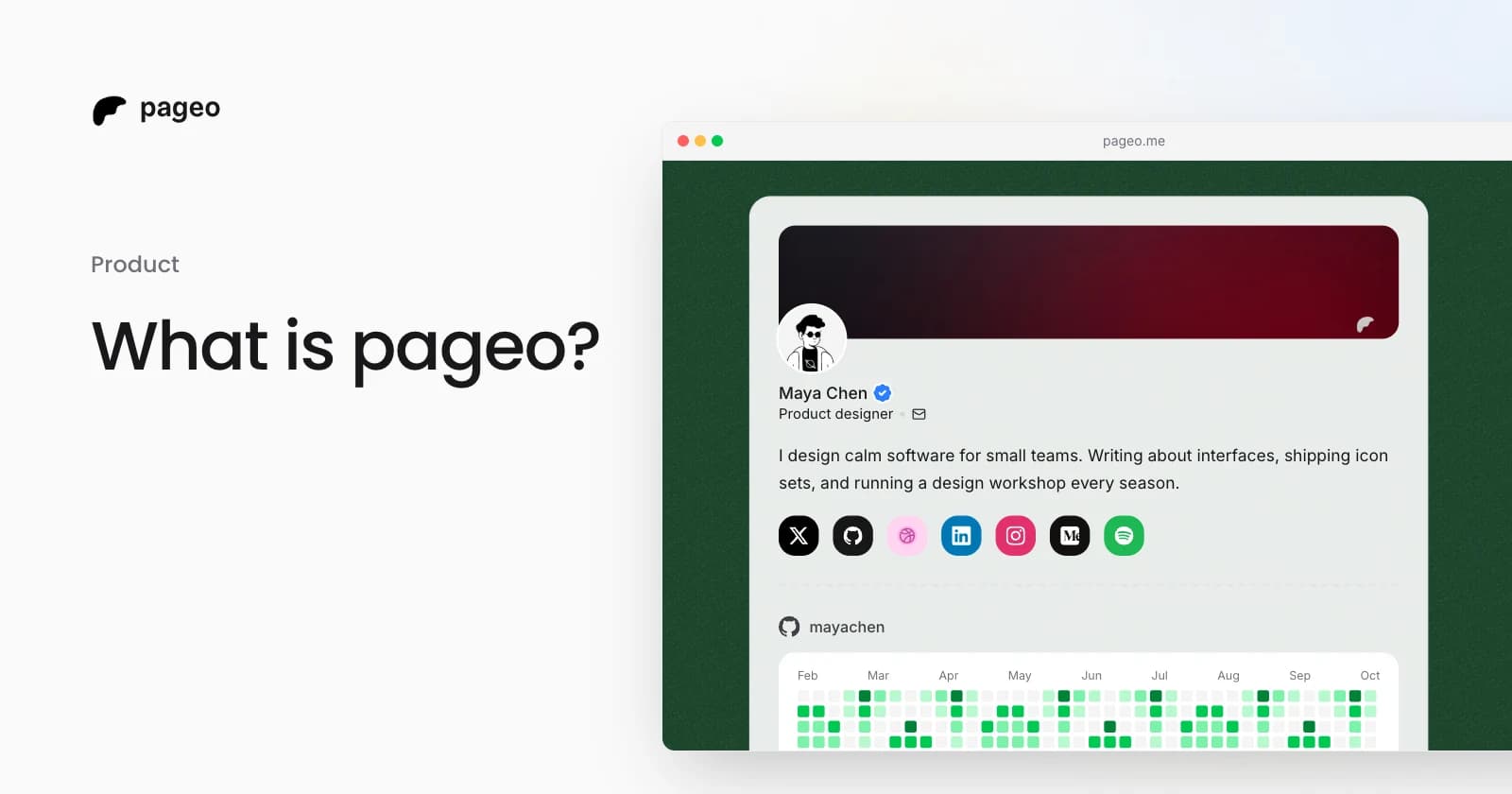
pageo is one workspace for your page and everything it brings in. Your link-in-bio page, the forms on it, the messages they collect, the people who subscribe, and the numbers behind every click all live in one admin.
Speed over complexity
Pick a username and you have a page. There are no multi-step wizards and no block configuration. Add your links, write your bio, and share it.
Control through code
pageo supports GitHub sync with a single pageo.json file. Keep the file in a pageo repository on your GitHub account, and every push to main updates your profile:
- Version control. Every change is a commit, so you can review it and revert it.
- Your workflow. Edit in your own editor, review changes in a pull request, and merge when you are ready.
- One readable file. Your whole profile is plain JSON that you can read and diff.
You can also skip all of that and use the visual editor. Both edit the same profile.
Minimal by design
pageo does not try to be everything to everyone. It leaves out:
- Heavy drag-and-drop page builders
- Template looks that make every page the same
- Feature bloat that adds complexity without value
It focuses on signal over noise: clean link presentation, readable content, and fast pages.
Key features
A clean, fast page
- Grid, list, and minimal layouts, all free
- A Markdown bio for bold text, italics, and links
- Default cover banners, or your own image
- Sections you can reorder: social links, grid links, GitHub contributions, Instagram, YouTube, Dribbble, a map, and a contact form (Pro)
Developer-friendly workflows
- GitHub sync. Push to your
pageorepository and your profile updates. - JSON config. Define your whole profile in one
pageo.jsonfile. - Contribution graph. Show your GitHub activity on your page.
Forms and one inbox (Pro)
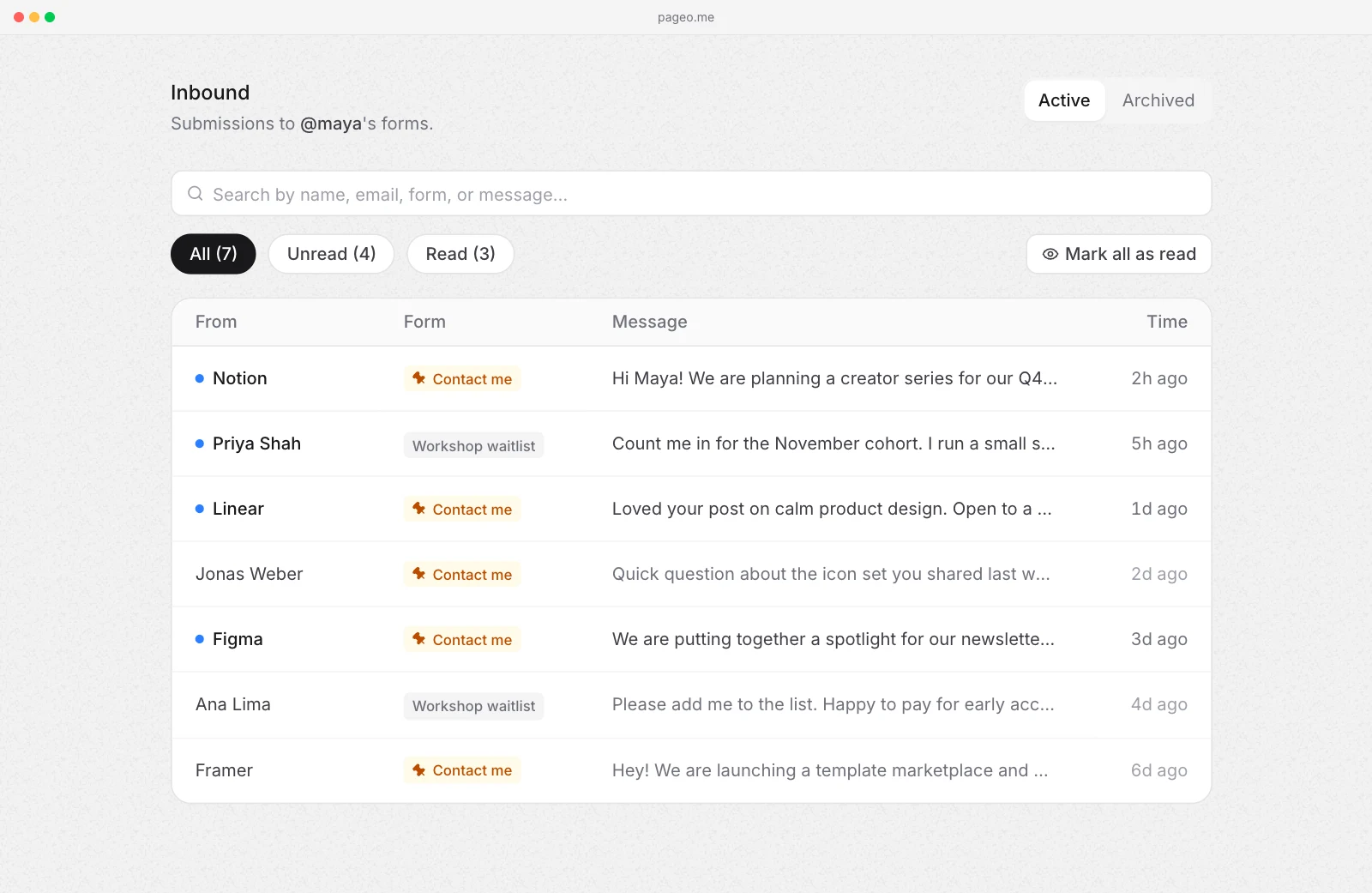
Add a contact form or a custom form to your page. Every submission lands in one inbound inbox in your admin, and you get an email for each new one.
An audience you can email (Pro)
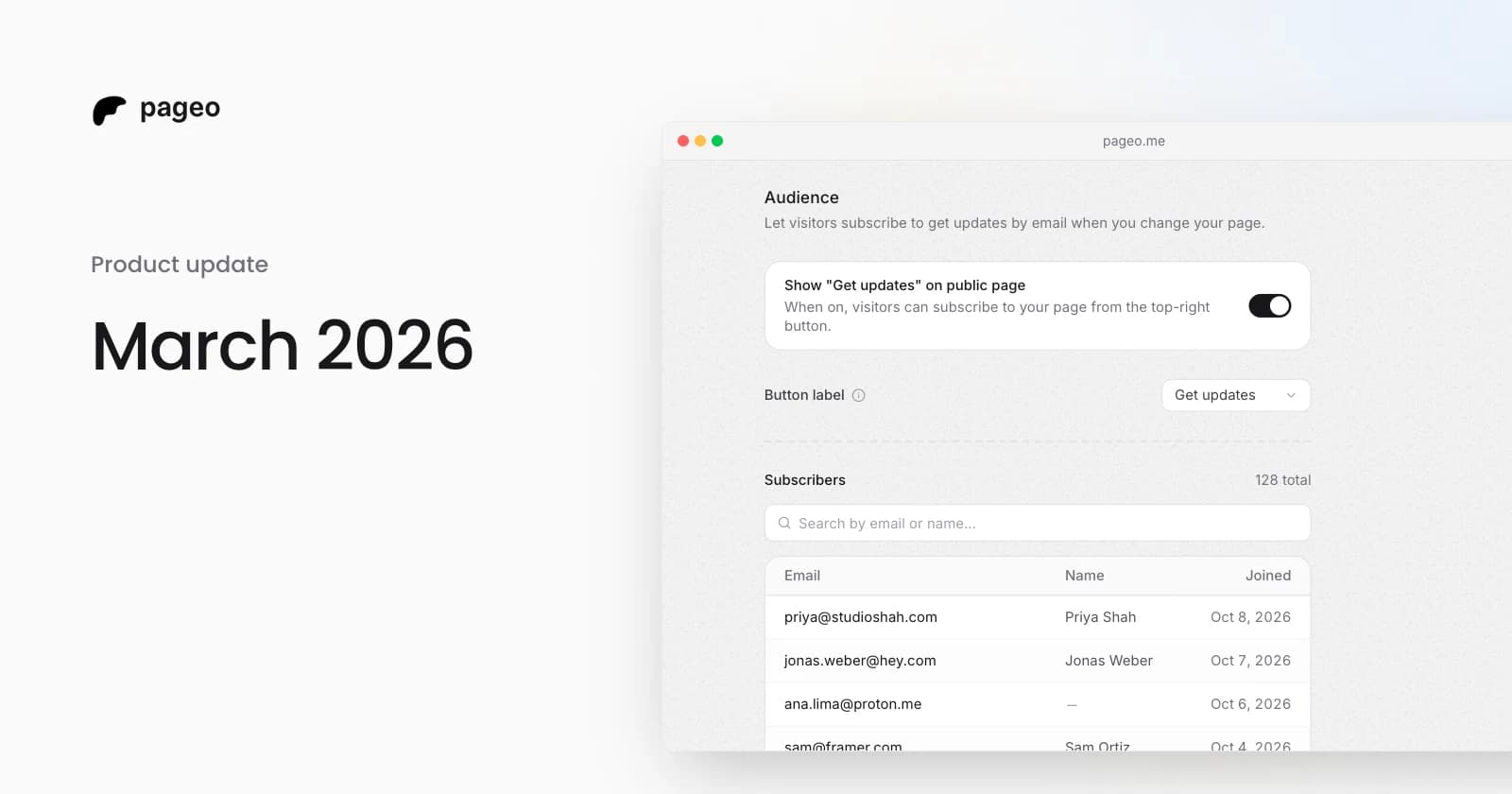
Visitors can subscribe to your page with their email. When you publish something new, send them an update.
Analytics that tell you something
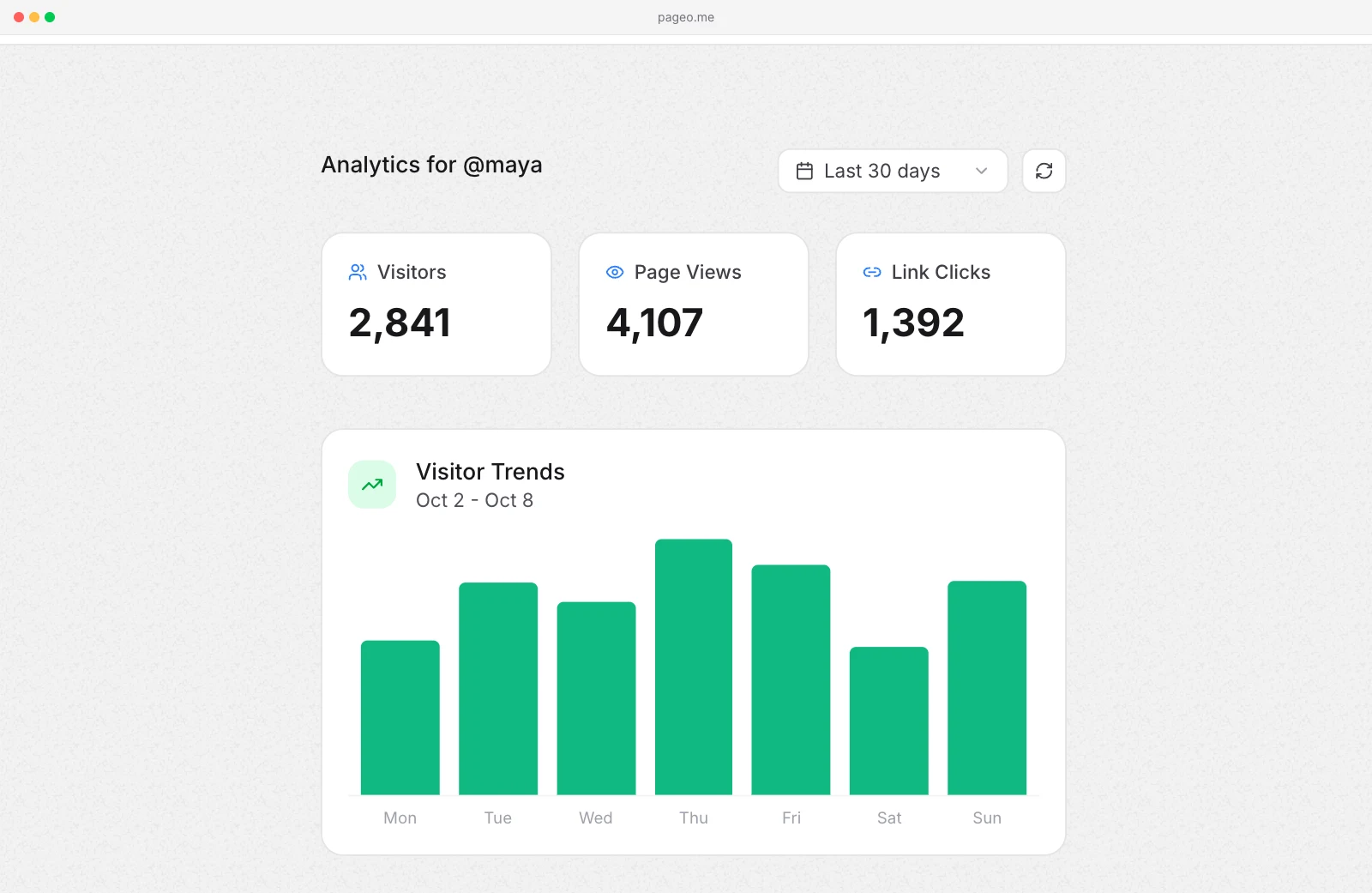
See visitors, page views, and link clicks, which countries your visitors come from, and which links they click most. Every plan shows the last 7 and 30 days. pageo Pro adds 90 days, all time, and a funnel for each form.
Simple pricing
The free plan gives you a complete bio page. pageo Pro adds forms and the inbox, your audience, longer analytics ranges, a custom domain, custom SEO metadata, and Google Analytics. See pricing for the current details.
Who should use pageo?
pageo is built for:
- Developers who want to manage their profile like code
- Creators who value speed and simplicity over visual complexity
- Freelancers and small teams who want messages, subscribers, and clicks in one place
- Anyone who wants a clean, distraction-free link page that loads fast
The pageo philosophy
A link-in-bio page should do four things well:
- Load fast. Every millisecond matters when someone taps your link.
- Stay focused. Your links and your message come first, not widgets.
- Give you control. Your content and your workflow, edited the way you like.
- Bring things together. What your page collects should land in one place.
pageo is not trying to replace your website or become a mini CMS. It is a focused tool for one job: getting visitors from your social bio to what matters, and collecting what they send back.
How to get started
- Sign up and pick your username.
- Add your links and your bio.
- Customize your profile image, cover, layout, and sections.
- Publish. Your page is live at
pageo.me/yourusername.
For developers
Once your account exists, you can go further:
- Create a
pageorepository on GitHub with apageo.jsonfile - Add the webhook from the GitHub settings in your admin
- Push to
main, and your profile updates
pageo compared with traditional link-in-bio tools
| Feature | pageo | Traditional tools |
|---|---|---|
| Version control | Git and GitHub sync | Not supported |
| Profile as a file | One pageo.json | Locked in the editor |
| Forms and inbox | Built in (Pro) | Separate tools |
| Email audience | Built in (Pro) | Separate tools |
| Layouts | Grid, list, and minimal, all free | Often paid |
Ready to build your pageo profile?
If you are tired of bloated editors and of messages scattered across tools, pageo offers a simpler way. Your profile, and everything it brings in, in one place.
Create your pageo page for free.