



pageo
  • Pricing
  • Profiles
Sign inStart free
pageo

Your links, your work, and every message, on one page.

Product

  • Features
  • Pricing
  • Templates
  • Examples
  • Top profiles
  • Integrations
  • Free tools
Compare
  • Linktree
  • bio.fm
  • Beacons
  • Campsite.bio
  • Taplink
  • Lnk.Bio
  • Alternatives

Resources

  • Docs
  • Changelog
  • Blog
  • Glossary
  • Link in bio guides
  • Who it's for

Company

  • About
  • Contact
  • Follow onX

© 2026 pageo

  • Terms
  • Privacy
  • Content policy
PAGEO
PAGEO
  1. Link in bio
  2. LinkedIn

The link in bio for LinkedIn.

LinkedIn tucks your websites into contact info. Add a pageo page there and in your Featured section, so recruiters and clients find all your work.

pageo.me/
alex
pageo.me/graceadeyemi

Grace Adeyemi

Product manager

Ten years shipping fintech products. I write about roadmaps, saying no, and teams that ship. Open to advisory work.

LinkedInXMedium

My Links

Case studies: three launchesgraceadeyemi.com/work
Advisory, how I workgraceadeyemi.com/advisory
Join graceadeyemi on pageo

Grace Adeyemi

Product manager

Ten years shipping fintech products. I write about roadmaps, saying no, and teams that ship. Open to advisory work.

LinkedInXMedium

My Links

Case studies: three launchesgraceadeyemi.com/work
Advisory, how I workgraceadeyemi.com/advisory
Join graceadeyemi on pageo

Step by step

Add your link to LinkedIn

  1. 1

    Tap your profile photo, then tap View profile.

  2. 2

    Tap the edit icon in your introduction section.

  3. 3

    Tap Edit contact info, then tap Add website.

  4. 4

    Paste your pageo.me link, pick a website type, and tap Save.

At a glance

Websites in contact info
Up to 3, free
Featured section
Takes external links, free
Custom button
For Premium Business, Sales Navigator, and Recruiter Lite subscribers
Headline length
Reported as 220 characters. LinkedIn's help pages do not state it.

Checked on October 10, 2026. Platforms change these often.

  • LinkedIn help: add a website
  • LinkedIn help: custom button
  • LinkedIn help: Featured section

Your profile, with the proof attached

Beyond three websites

Contact info holds three websites. One pageo link holds your portfolio, writing, talks, and anything else you want seen.

Inquiries with context

With Pro, a contact form asks what people need before they write, and every message lands in one inbox.

Your name in the address

With Pro, put the page on your own domain, so the link on your profile reads like yours.

Built in

What your page can do

Inbound

Every message from your page, one view.Explore

Custom domains

Run your page on a domain you own.Explore

Bio page

One clean page, every link you share.Explore

Common questions

  • Up to three in contact info, according to LinkedIn's help center. The Featured section also takes external links.

  • LinkedIn offers a custom button to Premium Business, Sales Navigator, and Recruiter Lite subscribers. On a free account, use contact info and Featured.

  • Yes, with pageo Pro. Add a contact form or a custom form, and every submission lands in your inbound inbox.

From the blog

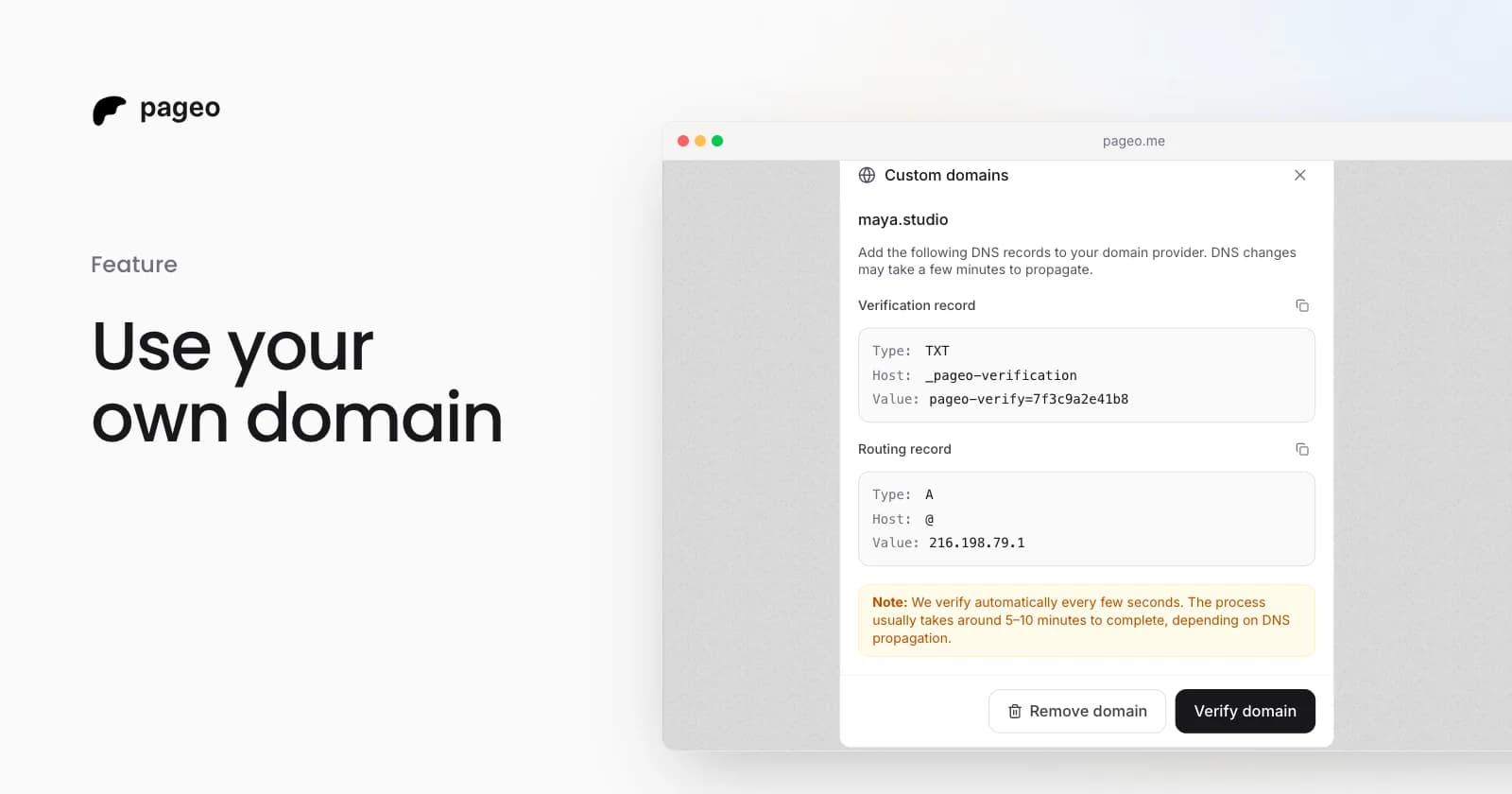
The pageo custom domains dialog with the DNS records to add

Feature

Feb 19, 2026

Custom domains are here: use your own URL for your link-in-bio

Connect your own domain to your pageo profile. Add two DNS records, let pageo verify them, and share a branded URL like links.yourname.com.

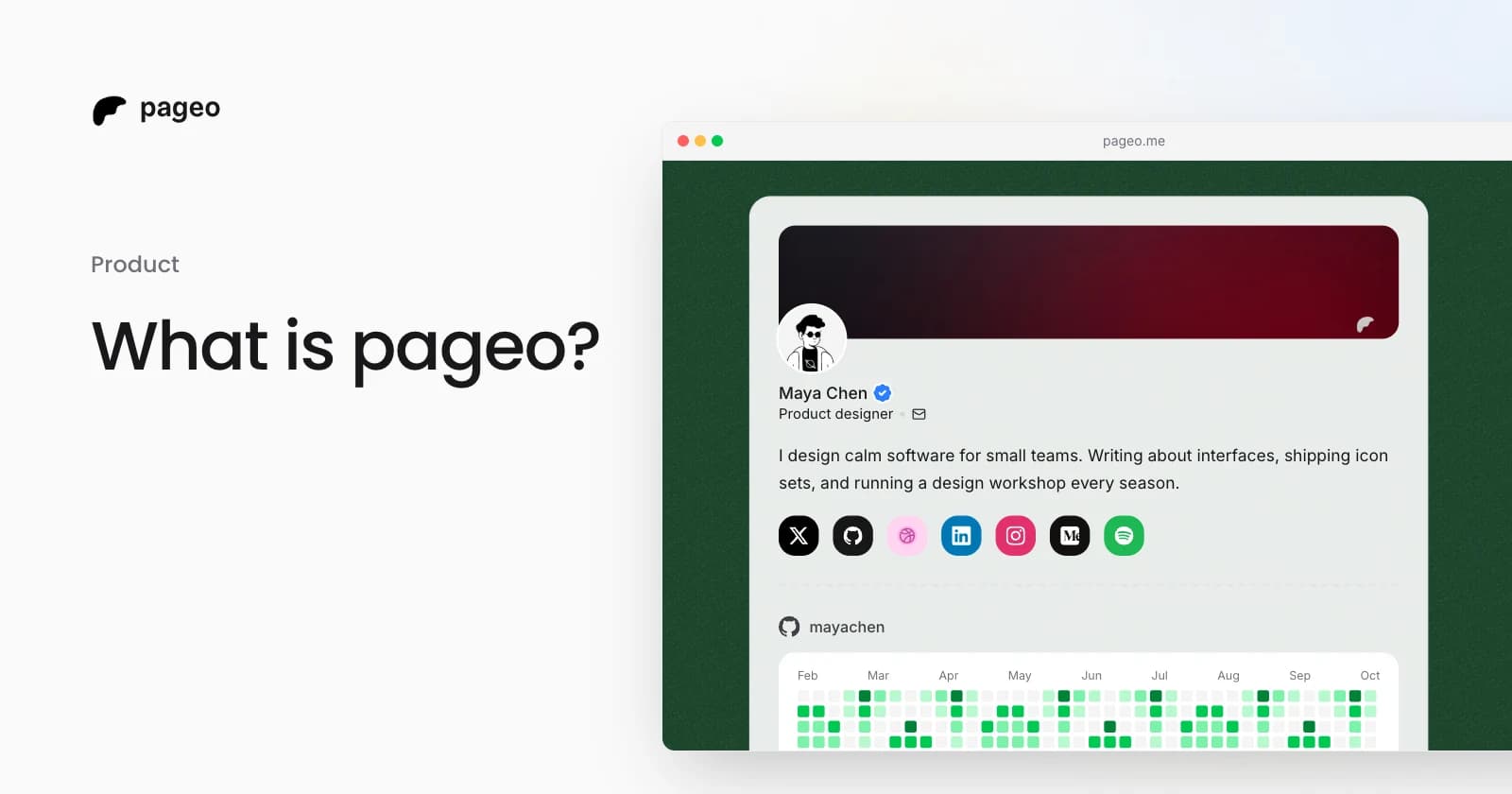
A pageo profile with social links, a GitHub activity graph, and a grid of links

Product

Jan 13, 2026

What is pageo? A minimal, developer-friendly link-in-bio tool

pageo is a fast link-in-bio page with forms, one inbox, an audience you can email, and analytics. Manage it in the editor or as code with GitHub sync.

Keep exploring

Link in bio

  • Instagram
  • TikTok
  • X
  • YouTube
  • Threads
  • GitHub
  • Twitch
  • Pinterest
  • Facebook
  • Snapchat
  • Bluesky
  • Substack
  • Discord
  • Kick
Instagram
GitHub

Your whole internet, one link.

Claim your page in under a minute. No card needed.
pageo.me/
alex