



pageo
  • Pricing
  • Profiles
Sign inStart free
pageo

Your links, your work, and every message, on one page.

Product

  • Features
  • Pricing
  • Templates
  • Examples
  • Top profiles
  • Integrations
  • Free tools
Compare
  • Linktree
  • bio.fm
  • Beacons
  • Campsite.bio
  • Taplink
  • Lnk.Bio
  • Alternatives

Resources

  • Docs
  • Changelog
  • Blog
  • Glossary
  • Link in bio guides
  • Who it's for

Company

  • About
  • Contact
  • Follow onX

© 2026 pageo

  • Terms
  • Privacy
  • Content policy
PAGEO
PAGEO
  1. Integrations
  2. GitHub

Your page, synced from a repository.

Keep your profile in a pageo.json file and push to update it, or just show your contribution graph on your page. Both are free.

pageo.me/
alex
pageo.me/jonasbecker

Jonas Becker

Frontend developer

CSS, accessibility, and small tools. My profile lives in a repo, so every change has a commit.

GitHub
GitHubjonasbecker
FebMarAprMayJunJulAugSepOct

1,756 contributions in 2026

My Links

a11y checklist, open sourcegithub.com/jonasbecker/a11y
Blog: CSS I wish I knewjonas.dev/blog
Join jonasbecker on pageo

Jonas Becker

Frontend developer

CSS, accessibility, and small tools. My profile lives in a repo, so every change has a commit.

GitHub
GitHubjonasbecker
FebMarAprMayJunJulAugSepOct

1,756 contributions in 2026

My Links

a11y checklist, open sourcegithub.com/jonasbecker/a11y
Blog: CSS I wish I knewjonas.dev/blog
Join jonasbecker on pageo

Step by step

Sync your page from GitHub

  1. 1

    Create a repository named pageo on your GitHub account.

  2. 2

    Add a pageo.json file that describes your profile.

  3. 3

    In your pageo admin, open the GitHub settings and copy the webhook address and secret.

  4. 4

    Add the webhook to your repository in GitHub's settings.

  5. 5

    Push to main. pageo reads the file and updates your page.

At a glance

Plan
Free
Repository
Named pageo, on your GitHub account
Updates on
Every push to main
Contribution graph
Add your GitHub username in the Contribution graph dialog in the editor

Your profile, with a history

Every change is a commit

See what changed and when, review it in a pull request, and revert it the same way you revert code.

Edit where you already work

Change your links in your own editor. pageo picks the file up from the webhook on your next push.

Show that you ship

The contribution graph puts your GitHub activity on your page, next to the projects it links to.

Built in

What your page can do

Bio page

One clean page, every link you share.Explore

Custom domains

Run your page on a domain you own.Explore

Analytics

Visitors, clicks, and forms in one view.Explore

Common questions

  • No. The visual editor is the default. GitHub sync is an option for people who prefer a file.

  • main. Pushes to other branches are ignored, so you can prepare changes on a branch and merge when ready.

  • Yes. You can show your contribution graph with only your GitHub username, without syncing your profile.

From the blog

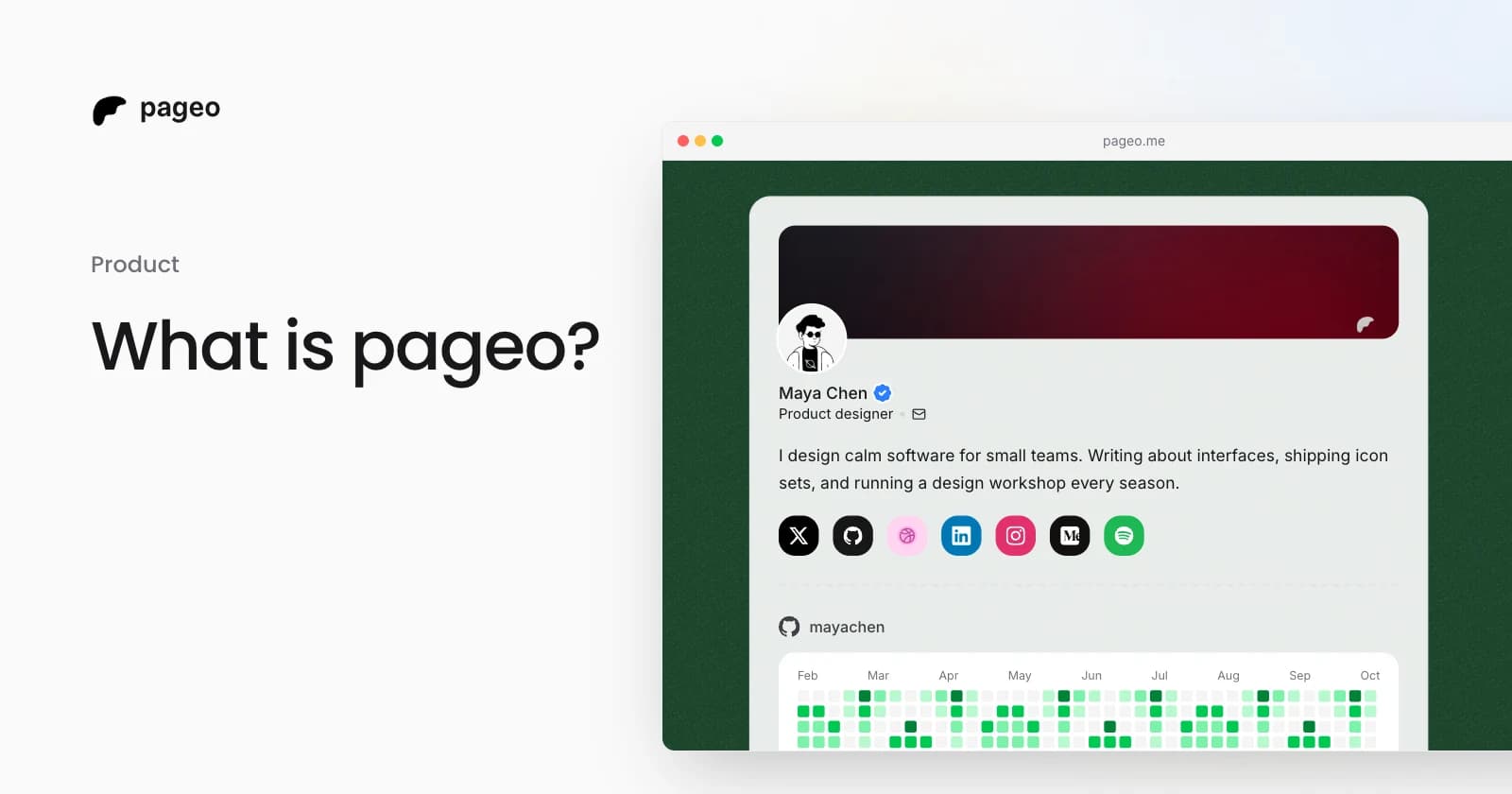
A pageo profile with social links, a GitHub activity graph, and a grid of links

Product

Jan 13, 2026

What is pageo? A minimal, developer-friendly link-in-bio tool

pageo is a fast link-in-bio page with forms, one inbox, an audience you can email, and analytics. Manage it in the editor or as code with GitHub sync.

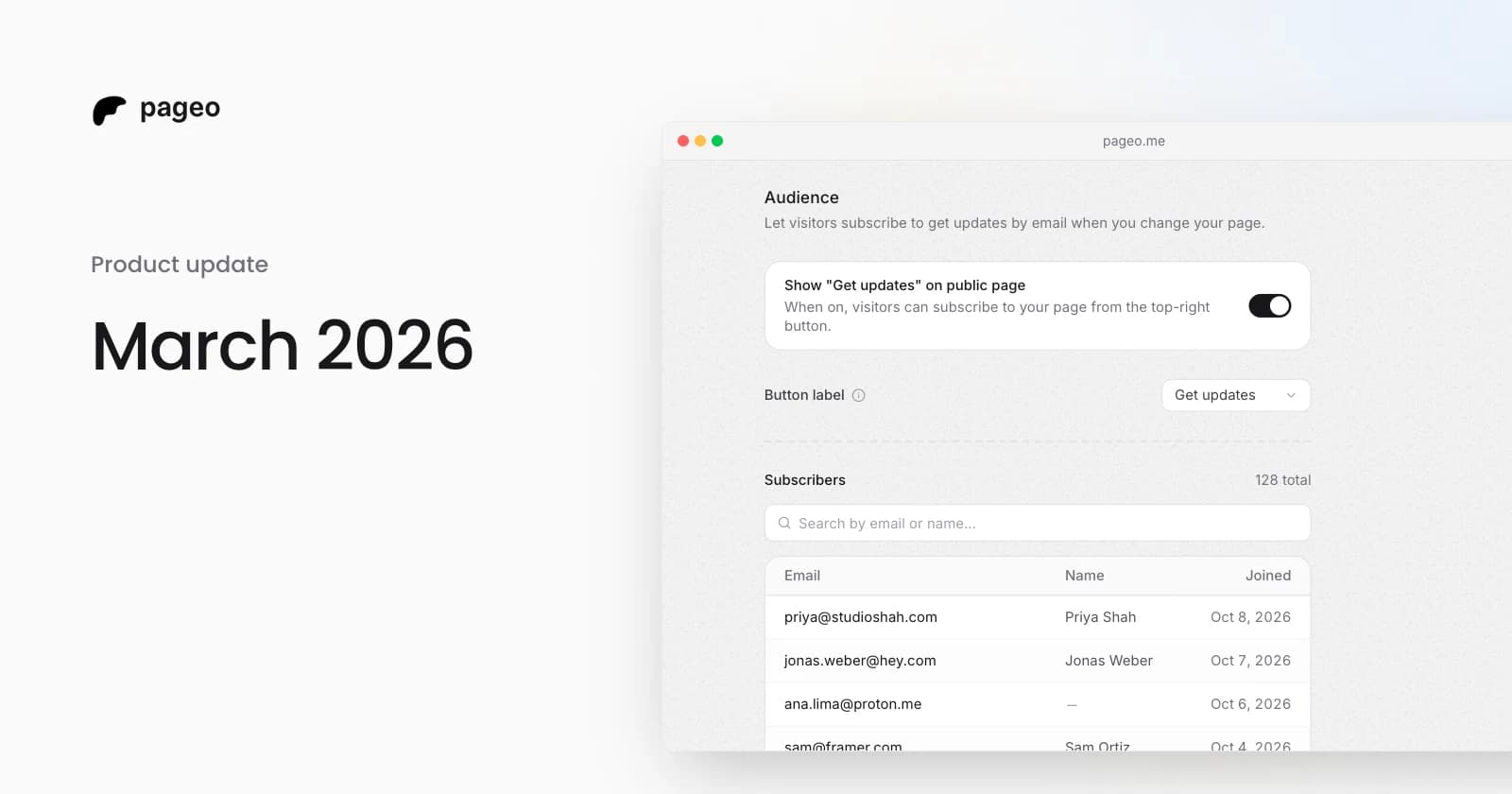
pageo audience settings with the subscribe toggle and a list of subscribers

Product

Mar 29, 2026

March 2026 update: integrations, analytics, and a more expressive profile

Instagram and YouTube grids, Google Analytics, GitHub contributions, maps, section reordering, background themes, audience subscriptions, and SEO settings.

Keep exploring

Related

  • Link in bio for GitHub
  • pageo for developers

Integrations

  • Instagram
  • YouTube
  • Dribbble
  • Google Analytics
  • Map
Instagram
GitHub

Your whole internet, one link.

Claim your page in under a minute. No card needed.
pageo.me/
alex