



pageo
  • Pricing
  • Profiles
Sign inStart free
pageo

Your links, your work, and every message, on one page.

Product

  • Features
  • Pricing
  • Templates
  • Examples
  • Top profiles
  • Integrations
  • Free tools
Compare
  • Linktree
  • bio.fm
  • Beacons
  • Campsite.bio
  • Taplink
  • Lnk.Bio
  • Alternatives

Resources

  • Docs
  • Changelog
  • Blog
  • Glossary
  • Link in bio guides
  • Who it's for

Company

  • About
  • Contact
  • Follow onX

© 2026 pageo

  • Terms
  • Privacy
  • Content policy
PAGEO
PAGEO
  1. Link in bio
  2. Twitch

The link in bio for Twitch.

Twitch gives you five social links and a row of panels. Put one pageo link in each, and keep your schedule, your clips, and your shop in one place you control.

pageo.me/
alex
pageo.me/rheacastillo

Rhea Castillo

Variety streamer

Cozy games, speedrun attempts, and a lot of talking to my cat. Live Tuesday, Thursday, and Saturday evenings.

X

My Links

Stream schedule and next eventrheaplays.gg/schedule
Merch drop, autumn hoodiesrheaplays.gg/shop
Join rheacastillo on pageo

Rhea Castillo

Variety streamer

Cozy games, speedrun attempts, and a lot of talking to my cat. Live Tuesday, Thursday, and Saturday evenings.

X

My Links

Stream schedule and next eventrheaplays.gg/schedule
Merch drop, autumn hoodiesrheaplays.gg/shop
Join rheacastillo on pageo

Step by step

Add your link to Twitch

  1. 1

    Open your Creator Dashboard.

  2. 2

    Click Settings, then Channel, then the About tab.

  3. 3

    Under social links, enter a title and your pageo.me link, then click Add.

  4. 4

    Optional: add a panel under your stream that links to the same page.

At a glance

Social links
Up to 5, shown on your channel profile
Panels
Panels under your stream can link to your site, your shop, or your music
Bio length
Reported as 300 characters. Twitch's help pages do not state it.

Checked on October 17, 2026. Platforms change these often.

  • Twitch help: channel page setup
  • Twitch Creator Camp: personal branding

One link for every panel

Change it between streams

A new sponsor or a merch drop changes on pageo, not in five panels. Every link on your channel keeps pointing to the same page.

Your Discord, front and center

Pin your Discord invite or your schedule as the primary link, so the first thing a new viewer sees is how to come back.

Know which panel works

pageo analytics count views and link clicks per day, so you can see what viewers open after a stream.

Built in

What your page can do

Bio page

One clean page, every link you share.Explore

Analytics

Visitors, clicks, and forms in one view.Explore

Audience

Let visitors subscribe to your updates.Explore

Common questions

  • Up to five, according to Twitch's help center. You add them under Settings, then Channel, then the About tab of your Creator Dashboard.

  • Not as a player today. Add your channel as a social icon or a link. Videos you also post to YouTube can play on your page as a YouTube player.

  • Yes, with pageo Pro. Visitors subscribe from your page and confirm with a code, and you send them updates from your admin.

From the blog

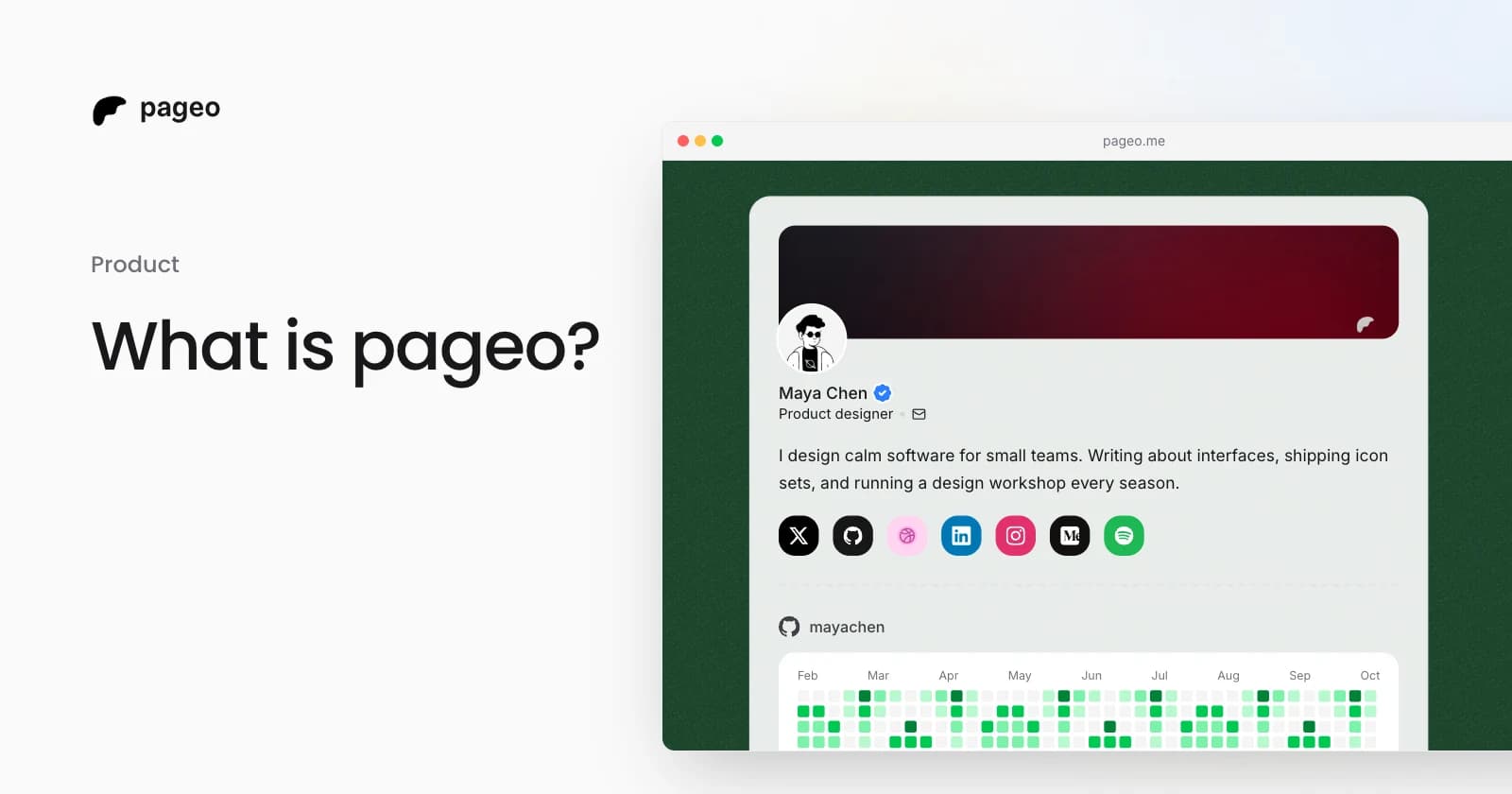
A pageo profile with social links, a GitHub activity graph, and a grid of links

Product

Jan 13, 2026

What is pageo? A minimal, developer-friendly link-in-bio tool

pageo is a fast link-in-bio page with forms, one inbox, an audience you can email, and analytics. Manage it in the editor or as code with GitHub sync.

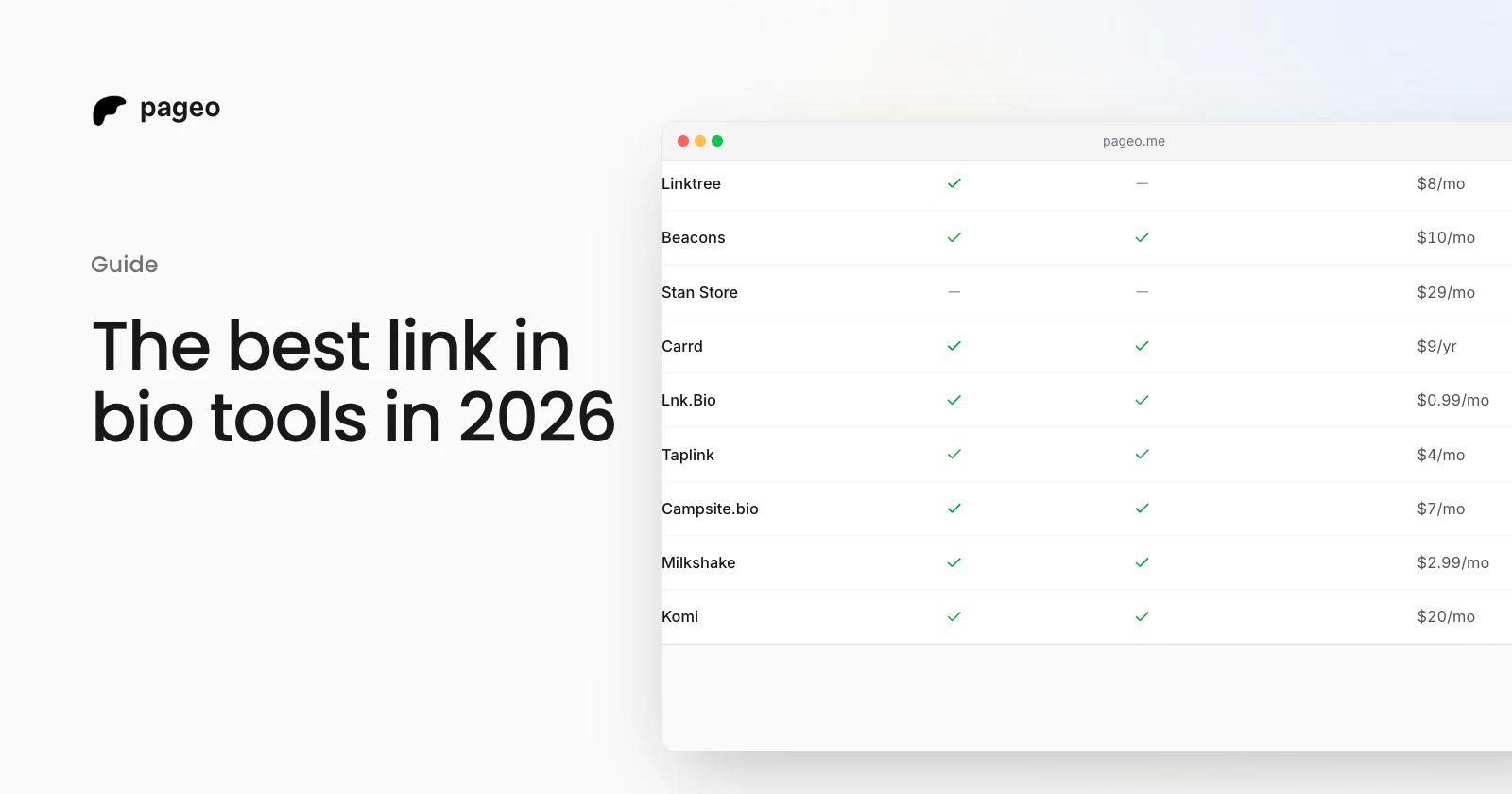
A table comparing link-in-bio tools on free plans, custom domains, and price

Guide

Oct 10, 2026

The best link in bio tools in 2026

Eleven link-in-bio tools compared on free plans, price, custom domains, and forms, with every fact taken from each tool's own pages on October 10, 2026.

Keep exploring

Link in bio

  • Instagram
  • TikTok
  • X
  • YouTube
  • LinkedIn
  • Threads
  • GitHub
  • Pinterest
  • Facebook
  • Snapchat
  • Bluesky
  • Substack
  • Discord
  • Kick
Instagram
GitHub

Your whole internet, one link.

Claim your page in under a minute. No card needed.
pageo.me/
alex