



pageo
  • Pricing
  • Profiles
Sign inStart free
pageo

Your links, your work, and every message, on one page.

Product

  • Features
  • Pricing
  • Templates
  • Examples
  • Top profiles
  • Integrations
  • Free tools
Compare
  • Linktree
  • bio.fm
  • Beacons
  • Campsite.bio
  • Taplink
  • Lnk.Bio
  • Alternatives

Resources

  • Docs
  • Changelog
  • Blog
  • Glossary
  • Link in bio guides
  • Who it's for

Company

  • About
  • Contact
  • Follow onX

© 2026 pageo

  • Terms
  • Privacy
  • Content policy
PAGEO
PAGEO
  1. Link in bio
  2. Pinterest

The link in bio for Pinterest.

Each Pin links to one page, and your profile gets one website. Make that website a pageo page that sends people to your shop, your blog, and your newsletter.

pageo.me/
alex
pageo.me/hannalindqvist

Hanna Lindqvist

Home and recipe blogger

Small kitchens, slow mornings, and recipes that use what is already in the cupboard. New posts every Sunday.

Instagram

My Links

This week: one-pan autumn dinnersslowkitchen.blog/autumn
My kitchen tools, all in one listslowkitchen.blog/tools
Join hannalindqvist on pageo

Hanna Lindqvist

Home and recipe blogger

Small kitchens, slow mornings, and recipes that use what is already in the cupboard. New posts every Sunday.

Instagram

My Links

This week: one-pan autumn dinnersslowkitchen.blog/autumn
My kitchen tools, all in one listslowkitchen.blog/tools
Join hannalindqvist on pageo

Step by step

Add your link to Pinterest

  1. 1

    On the web, open the menu at the bottom left and click Settings.

  2. 2

    Click Edit profile.

  3. 3

    Under Website, paste your pageo.me link.

  4. 4

    Under About, write your bio, then click Save.

At a glance

Bio length
500 characters, in the About field
Links on the profile
One website
Claiming
Not needed to add a link. A claimed site gets analytics and your logo on its Pins

Checked on October 17, 2026. Platforms change these often.

  • Pinterest help: edit your profile
  • Pinterest help: add your website

A front door for every Pin

More than one destination

Your profile has one website field. A pageo page behind it lists your newest post, your shop, and your newsletter at once.

Bold images, like your boards

Link cards show a large preview image, and a featured link spans the full row, so your page looks like the Pins people tapped.

Readers can stay in touch

With Pro, visitors subscribe to your updates from the page, so a one-time visitor from a Pin becomes a reader.

Built in

What your page can do

Bio page

One clean page, every link you share.Explore

Audience

Let visitors subscribe to your updates.Explore

Custom domains

Run your page on a domain you own.Explore

Common questions

  • Up to 500 characters, according to Pinterest's help center. You write it in the About field under Edit profile.

  • No. Pinterest lets you add a website without claiming it. Claiming is for site analytics and your logo on Pins, and it needs a site you own, such as a custom domain on pageo Pro.

  • Yes, but a Pin works best when it links to the exact post or product it shows. Use your pageo page as the website on your profile.

From the blog

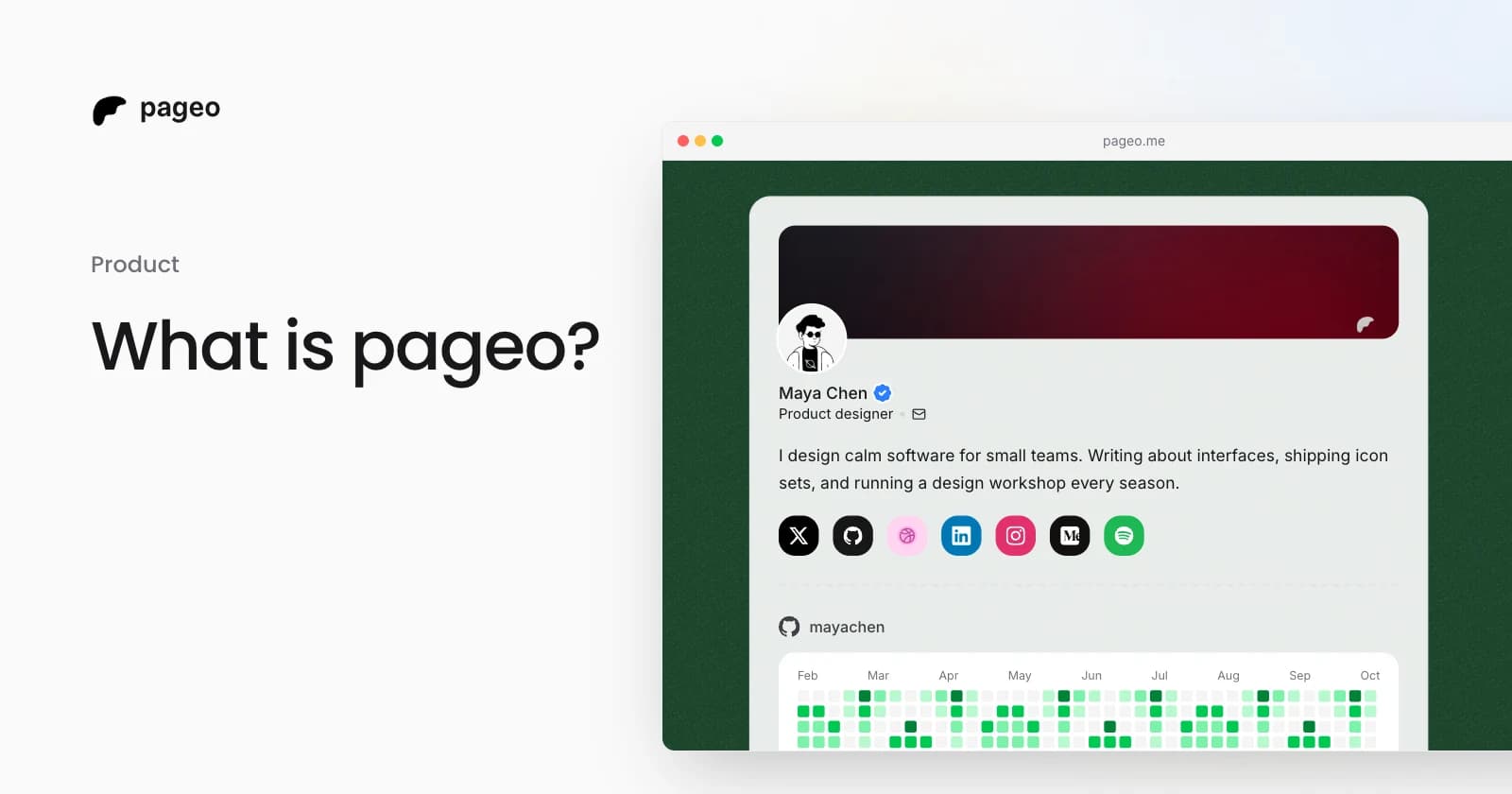
A pageo profile with social links, a GitHub activity graph, and a grid of links

Product

Jan 13, 2026

What is pageo? A minimal, developer-friendly link-in-bio tool

pageo is a fast link-in-bio page with forms, one inbox, an audience you can email, and analytics. Manage it in the editor or as code with GitHub sync.

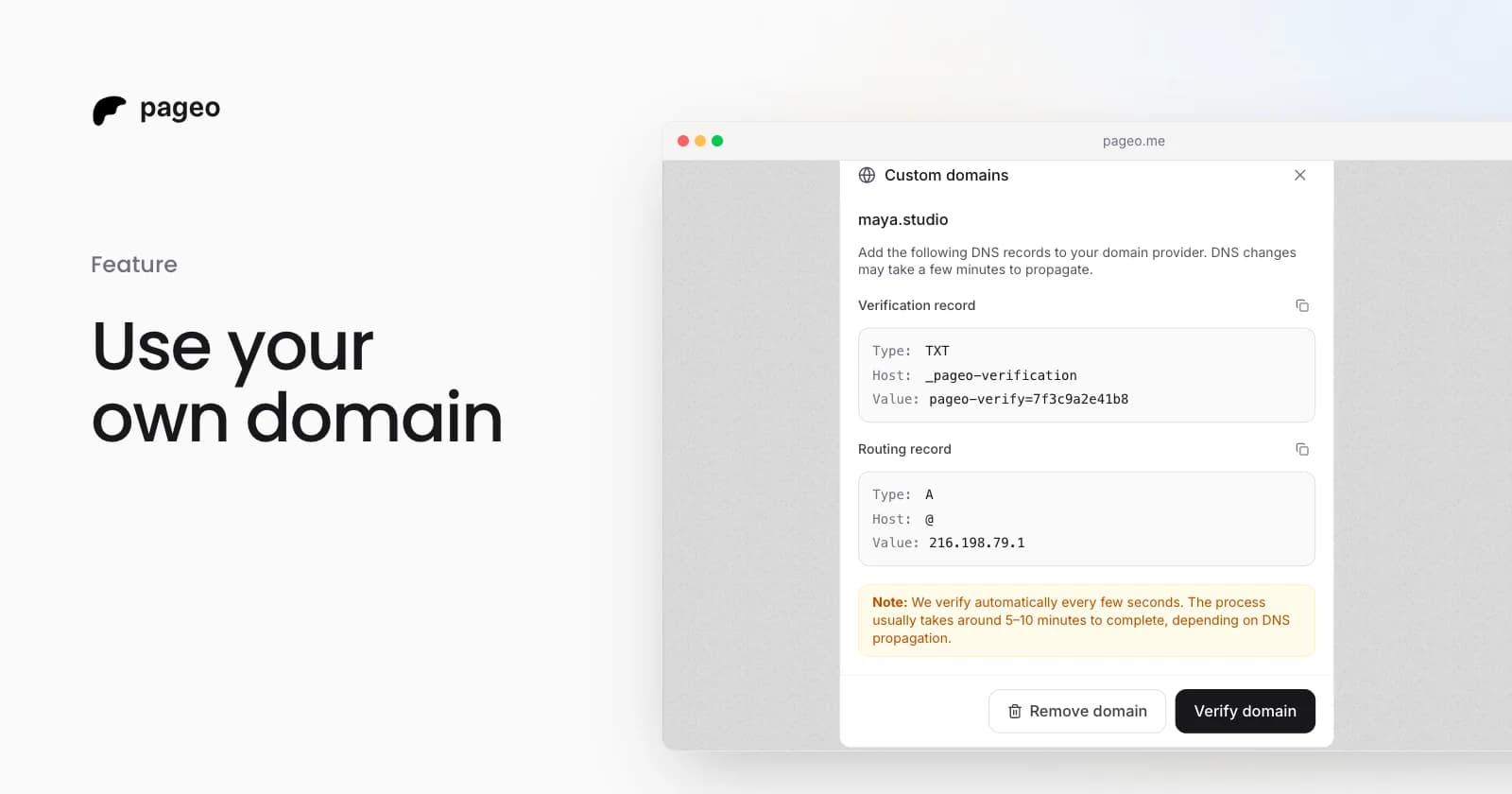
The pageo custom domains dialog with the DNS records to add

Feature

Feb 19, 2026

Custom domains are here: use your own URL for your link-in-bio

Connect your own domain to your pageo profile. Add two DNS records, let pageo verify them, and share a branded URL like links.yourname.com.

Keep exploring

Link in bio

  • Instagram
  • TikTok
  • X
  • YouTube
  • LinkedIn
  • Threads
  • GitHub
  • Twitch
  • Facebook
  • Snapchat
  • Bluesky
  • Substack
  • Discord
  • Kick
Instagram
GitHub

Your whole internet, one link.

Claim your page in under a minute. No card needed.
pageo.me/
alex