






pageo
  • Pricing
  • Profiles
Sign inStart free
pageo

Your links, your work, and every message, on one page.

Product

  • Features
  • Pricing
  • Templates
  • Examples
  • Top profiles
  • Integrations
  • Free tools
Compare
  • Linktree
  • bio.fm
  • Beacons
  • Campsite.bio
  • Taplink
  • Lnk.Bio
  • Alternatives

Resources

  • Docs
  • Changelog
  • Blog
  • Glossary
  • Link in bio guides
  • Who it's for

Company

  • About
  • Contact
  • Follow onX

© 2026 pageo

  • Terms
  • Privacy
  • Content policy
PAGEO
PAGEO
  1. Integrations
  2. YouTube

Your newest videos, on your page.

Connect your YouTube channel, and your latest videos show as a grid on your pageo page. Each one links straight to the video.

pageo.me/
alex
pageo.me/omarhaddad

Omar Haddad

Travel filmmaker

Slow travel films from places most guides skip. A new film every month.

Instagram

YouTube

My Links

Latest film: The Atlas villagesomarfilms.com/atlas
Gear I travel withomarfilms.com/gear
Join omarhaddad on pageo

Omar Haddad

Travel filmmaker

Slow travel films from places most guides skip. A new film every month.

Instagram

YouTube

My Links

Latest film: The Atlas villagesomarfilms.com/atlas
Gear I travel withomarfilms.com/gear
Join omarhaddad on pageo

Step by step

Connect YouTube

  1. 1

    In your pageo admin, open Settings, then Integrations.

  2. 2

    Connect your YouTube channel.

  3. 3

    Pick 2 or 3 columns for the grid in the editor.

  4. 4

    Place the YouTube section in the Layout panel, then publish.

At a glance

Plan
Free
Shows
Your latest videos
Columns
2 or 3
Tiles
Each one links to the video on YouTube

Send viewers to what you made this week

Updates when you upload

The grid follows your channel, so a new video shows on your page without you editing it.

Straight to the video

Each tile opens the video on YouTube, so a visitor is one tap from watching.

Next to the rest of your work

Reorder the YouTube section with your links, your Instagram grid, and your other sections.

Built in

What your page can do

Bio page

One clean page, every link you share.Explore

Audience

Let visitors subscribe to your updates.Explore

Analytics

Visitors, clicks, and forms in one view.Explore

Common questions

  • Yes. Connecting your channel and showing the grid is on the free plan.

  • Yes. The grid shows your latest videos and updates as you upload new ones.

  • Pick 2 or 3 columns, and move the section anywhere on your page.

From the blog

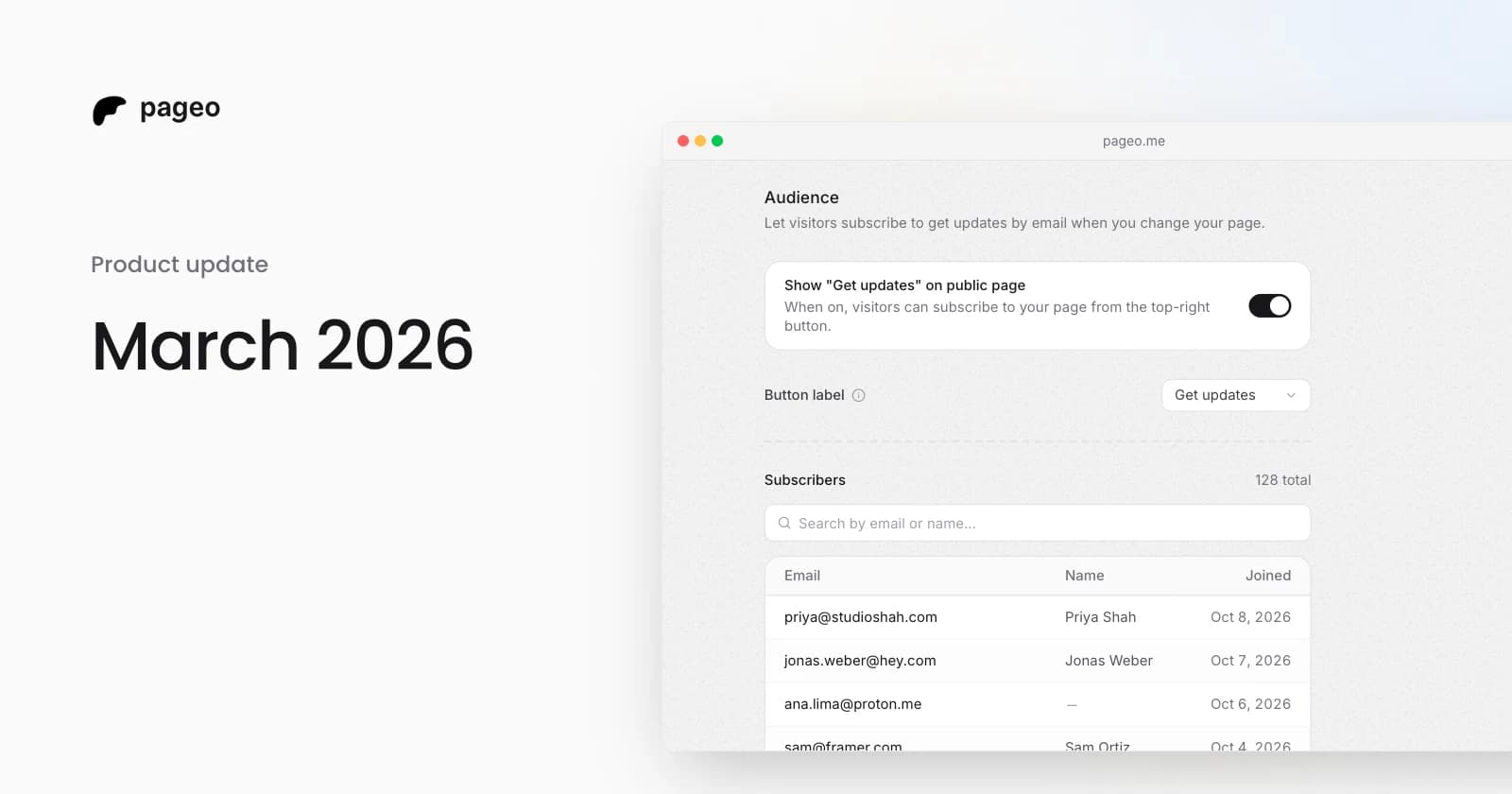
pageo audience settings with the subscribe toggle and a list of subscribers

Product

Mar 29, 2026

March 2026 update: integrations, analytics, and a more expressive profile

Instagram and YouTube grids, Google Analytics, GitHub contributions, maps, section reordering, background themes, audience subscriptions, and SEO settings.
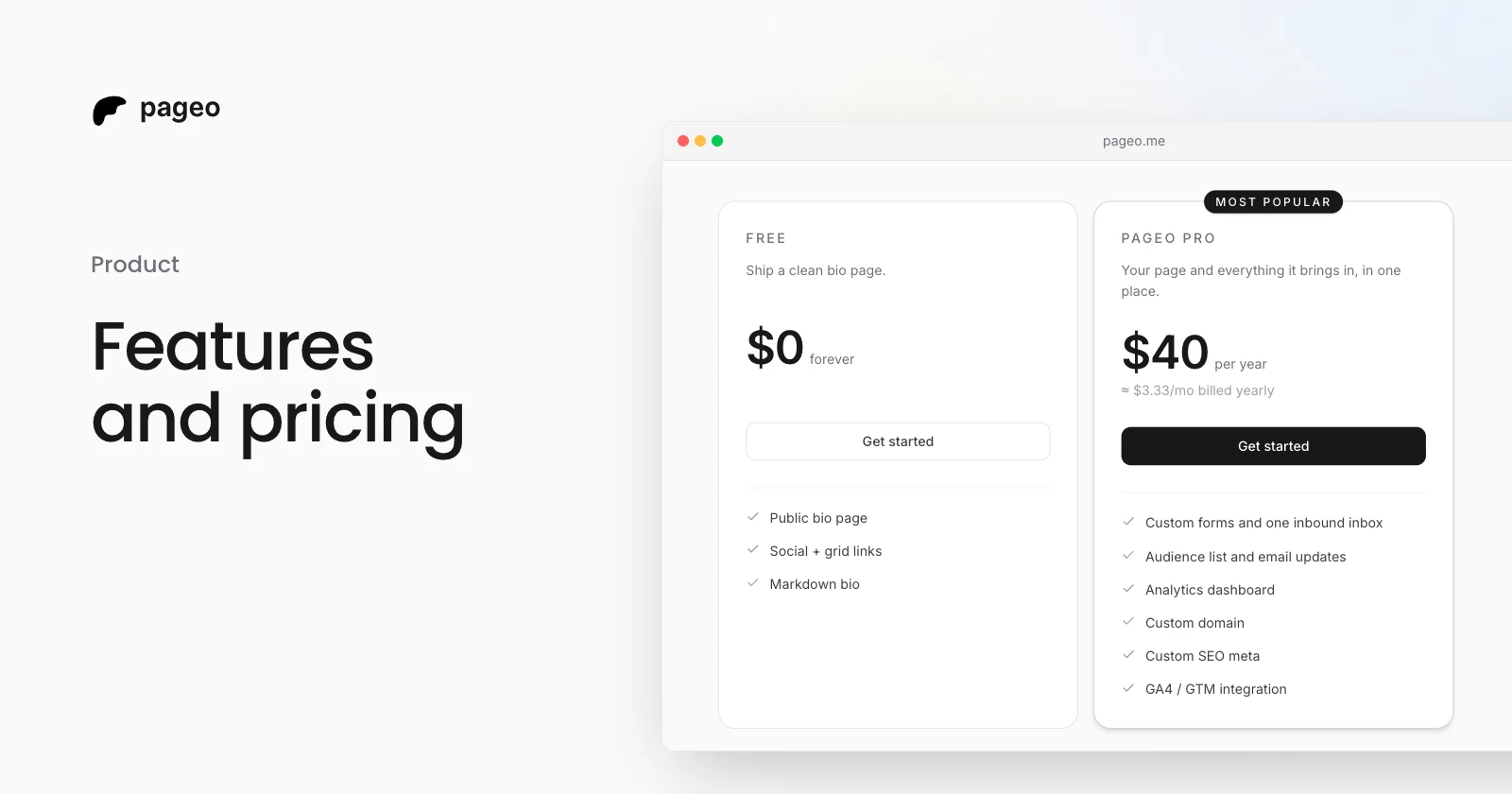
The pageo Free and pageo Pro plans side by side

Product

Jan 15, 2026

Features and pricing: everything you need to know about pageo

What the free pageo plan includes, what pageo Pro adds, and what it costs. A plain guide to choosing a plan for your link-in-bio page.

Keep exploring

Related

  • Link in bio for YouTube
  • pageo for creators
  • pageo for podcasters

Integrations

  • GitHub
  • Instagram
  • Dribbble
  • Google Analytics
  • Map
Instagram
GitHub

Your whole internet, one link.

Claim your page in under a minute. No card needed.

pageo.me/
alex