




 Join
Join 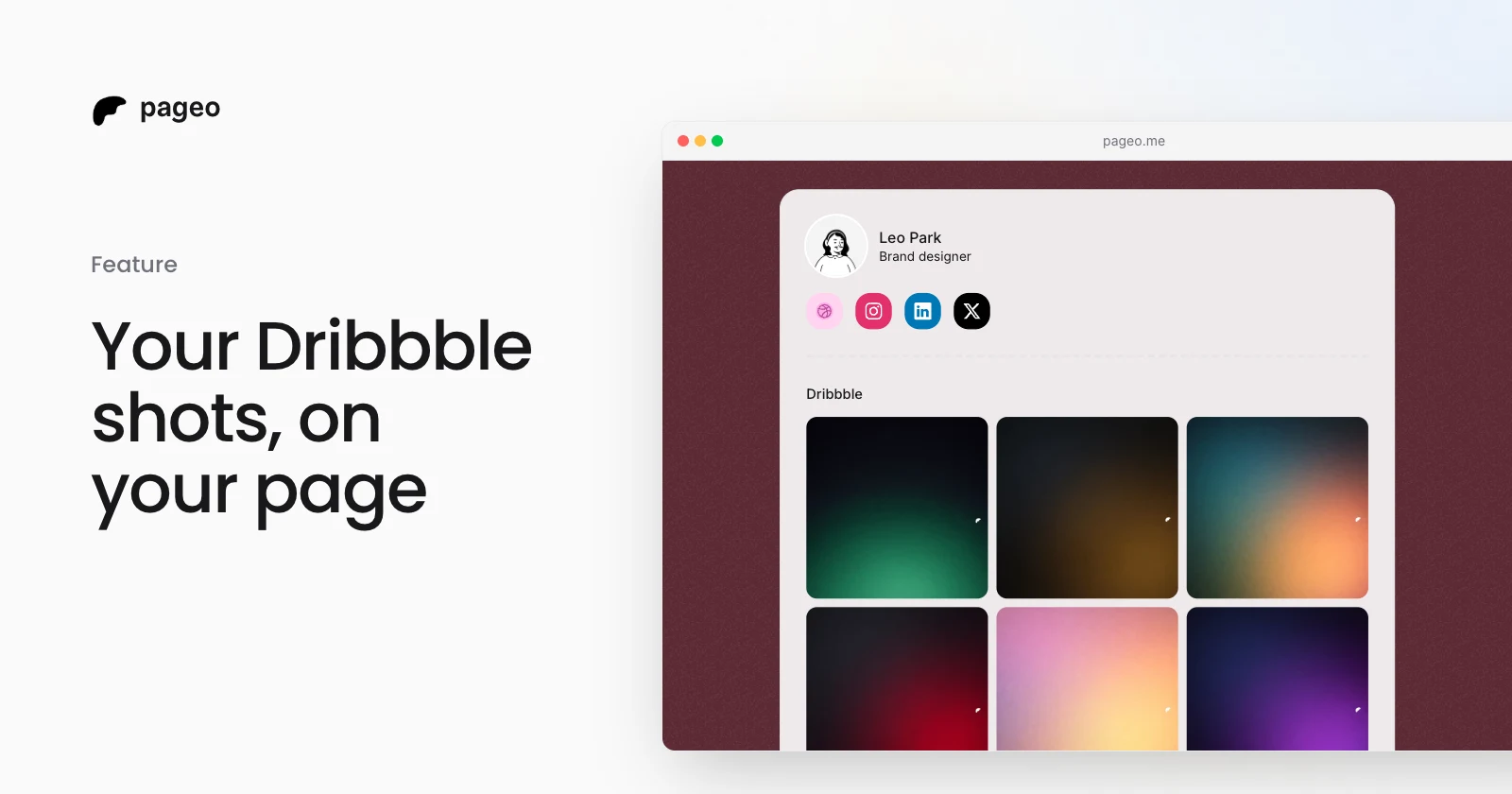
Feature
Mar 30, 2026
Dribbble integration: show your shots on your profile
Connect your Dribbble account and show your latest shots as a grid on your pageo profile, in sync with your portfolio.
Connect Dribbble, and your latest shots show as a grid on your pageo page. Each tile links back to the shot on Dribbble.
Step by step
In your pageo admin, open Settings, then Integrations.
Open Dribbble and choose Connect Dribbble & show shots grid. You can also add your Dribbble profile as a link.
Pick 2 or 3 columns and place the section in the Layout panel.
After you post new work, press Refresh in the editor to pull in your latest shots.
Yes. Connecting Dribbble and showing your shots is on the free plan.
Claim your page in under a minute. No card needed.