



pageo
  • Pricing
  • Profiles
Sign inStart free
pageo

Your links, your work, and every message, on one page.

Product

  • Features
  • Pricing
  • Templates
  • Examples
  • Top profiles
  • Integrations
  • Free tools
Compare
  • Linktree
  • bio.fm
  • Beacons
  • Campsite.bio
  • Taplink
  • Lnk.Bio
  • Alternatives

Resources

  • Docs
  • Changelog
  • Blog
  • Glossary
  • Link in bio guides
  • Who it's for

Company

  • About
  • Contact
  • Follow onX

© 2026 pageo

  • Terms
  • Privacy
  • Content policy
PAGEO
PAGEO
  1. Integrations
  2. Map

Show people where you are, without your address.

Add your city and a map section shows it on your pageo page, with one tap to open it in Google Maps or OpenStreetMap.

pageo.me/
alex
pageo.me/anaruiz

Ana Ruiz

Ceramics studio

Hand-thrown tableware and weekend wheel classes. Studio open Thursday to Sunday, orders ship across Spain.

Instagram
Valencia, Valencian Community, SpainGoogle MapsOpenStreetMap

My Links

Book a wheel classanaruiz.studio/classes
Shop tablewareanaruiz.studio/shop
Join anaruiz on pageo

Ana Ruiz

Ceramics studio

Hand-thrown tableware and weekend wheel classes. Studio open Thursday to Sunday, orders ship across Spain.

Instagram
Valencia, Valencian Community, SpainGoogle MapsOpenStreetMap

My Links

Book a wheel classanaruiz.studio/classes
Shop tablewareanaruiz.studio/shop
Join anaruiz on pageo

Step by step

Add your map

  1. 1

    In your pageo admin, open Settings, then Integrations.

  2. 2

    Under Location, enter your city as City, State, Country, for example Mumbai, Maharashtra, India.

  3. 3

    Press Save. The map section appears on your page.

  4. 4

    Drag the map into place in the Layout panel, or remove it from the editor at any time.

At a glance

Plan
Free
Precision
City level, never a street address
Map data
OpenStreetMap
Opens in
Google Maps or OpenStreetMap

Local without oversharing

City, not street

pageo turns away street addresses and postal codes, so the map says where you work without saying where you live.

One tap to directions

Under the map, visitors open your city in Google Maps or OpenStreetMap, whichever they already use.

Where you want it

The map is a section like any other. Put it above your links for a shop people visit, or near the end for a studio that ships.

Built in

What your page can do

Bio page

One clean page, every link you share.Explore

Inbound

Every message from your page, one view.Explore

pageo pass

Your profile as a card, with a QR on the back.Explore

Common questions

  • Yes. Adding your city and showing the map is on the free plan.

  • No. The map is city level on purpose. pageo rejects street addresses and postal codes when you save.

  • The map on your page uses OpenStreetMap data. Visitors can open the same city in Google Maps or OpenStreetMap from the links under it.

From the blog

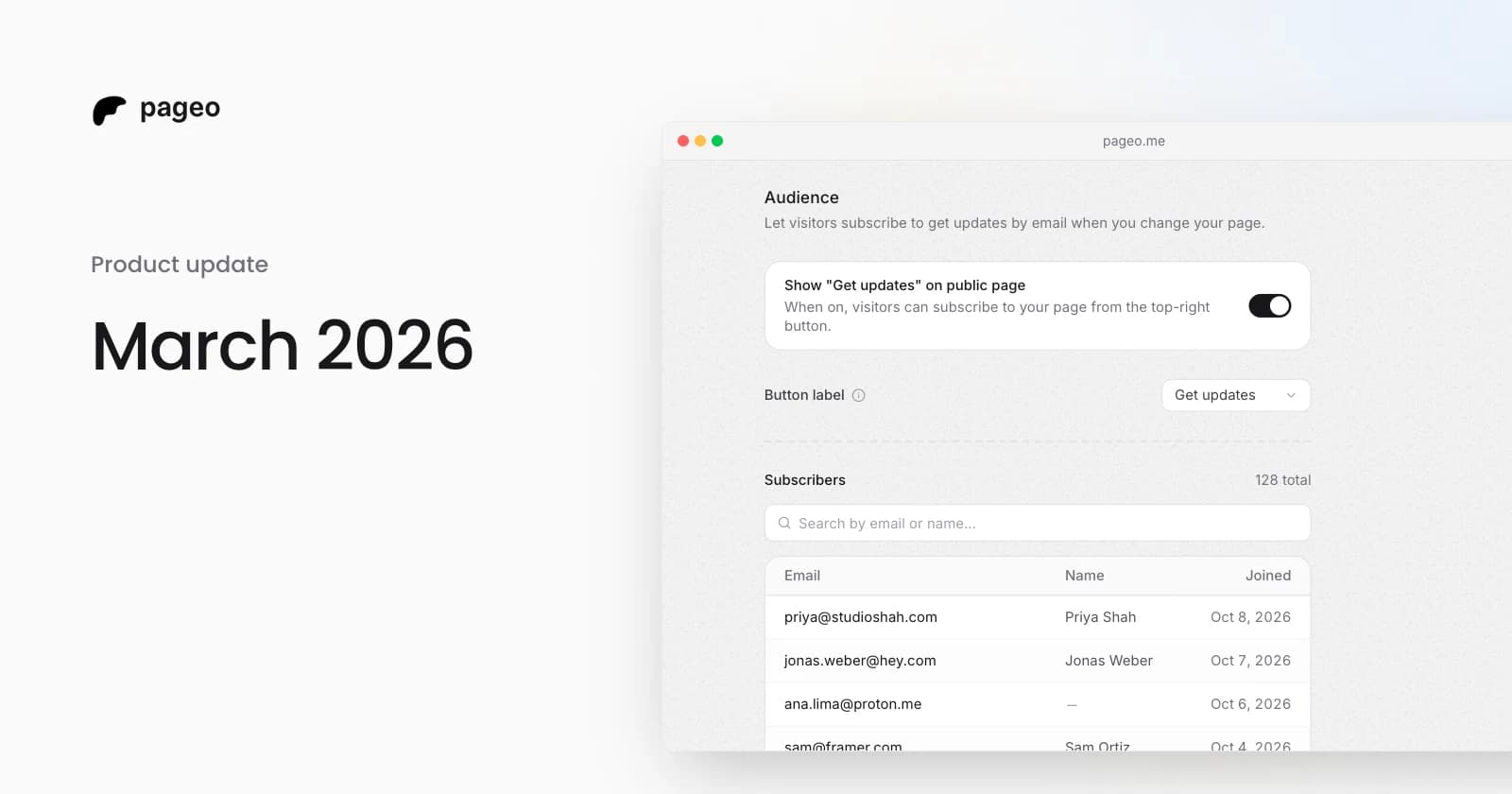
pageo audience settings with the subscribe toggle and a list of subscribers

Product

Mar 29, 2026

March 2026 update: integrations, analytics, and a more expressive profile

Instagram and YouTube grids, Google Analytics, GitHub contributions, maps, section reordering, background themes, audience subscriptions, and SEO settings.
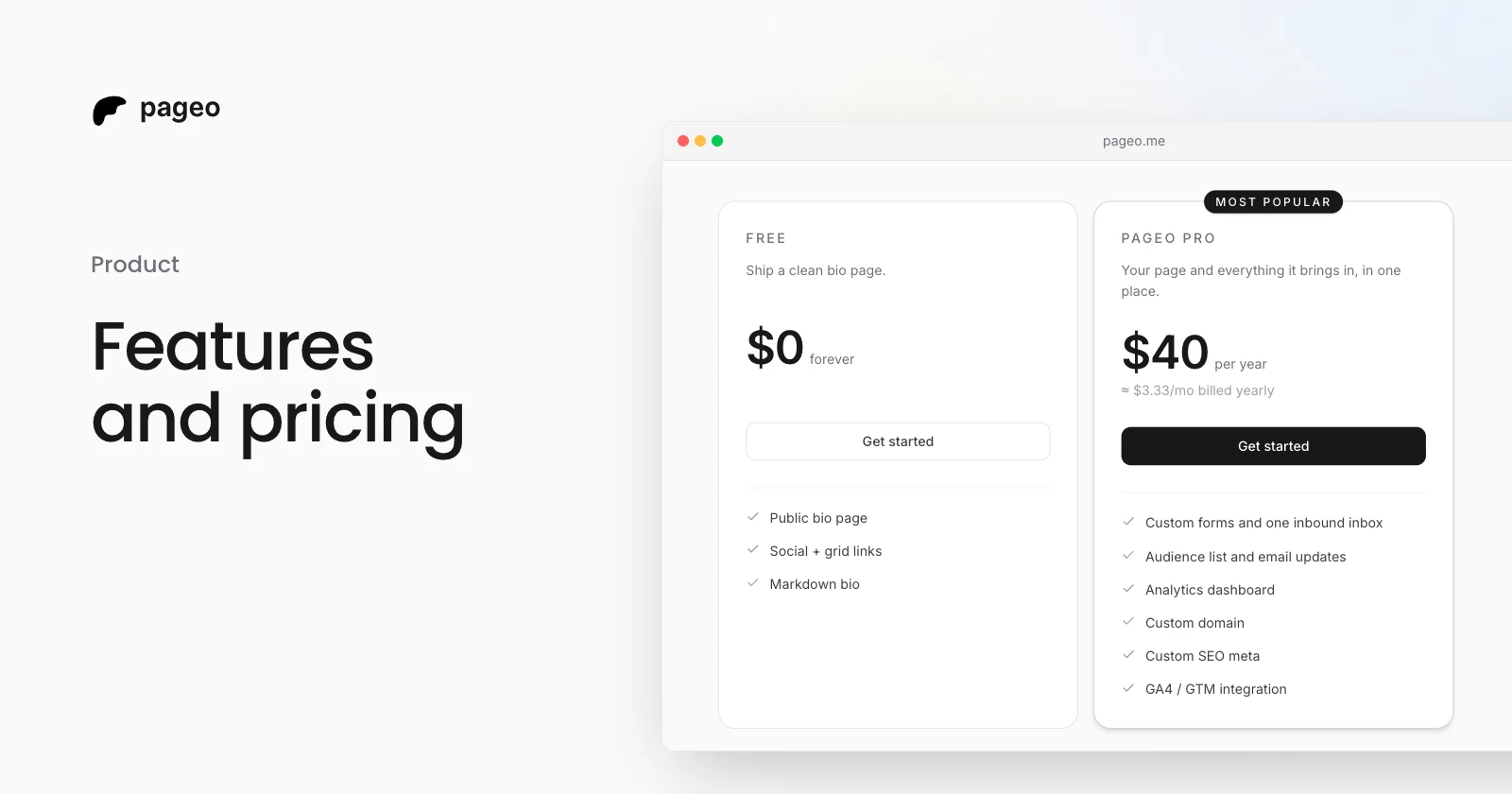
The pageo Free and pageo Pro plans side by side

Product

Jan 15, 2026

Features and pricing: everything you need to know about pageo

What the free pageo plan includes, what pageo Pro adds, and what it costs. A plain guide to choosing a plan for your link-in-bio page.

Keep exploring

Related

  • pageo for small businesses
  • pageo for photographers
  • pageo for freelancers

Integrations

  • GitHub
  • Instagram
  • YouTube
  • Dribbble
  • Google Analytics
Instagram
GitHub

Your whole internet, one link.

Claim your page in under a minute. No card needed.

pageo.me/
alex