pageo
  • Pricing
  • Profiles
Sign inStart free
pageo

Your links, your work, and every message, on one page.

Product

  • Features
  • Pricing
  • Templates
  • Examples
  • Top profiles
  • Integrations
  • Free tools
Compare
  • Linktree
  • bio.fm
  • Beacons
  • Campsite.bio
  • Taplink
  • Lnk.Bio
  • Alternatives

Resources

  • Docs
  • Changelog
  • Blog
  • Glossary
  • Link in bio guides
  • Who it's for

Company

  • About
  • Contact
  • Follow onX

© 2026 pageo

  • Terms
  • Privacy
  • Content policy
PAGEO
PAGEO
  1. Blog
  2. Feature

Dribbble integration: show your shots on your profile

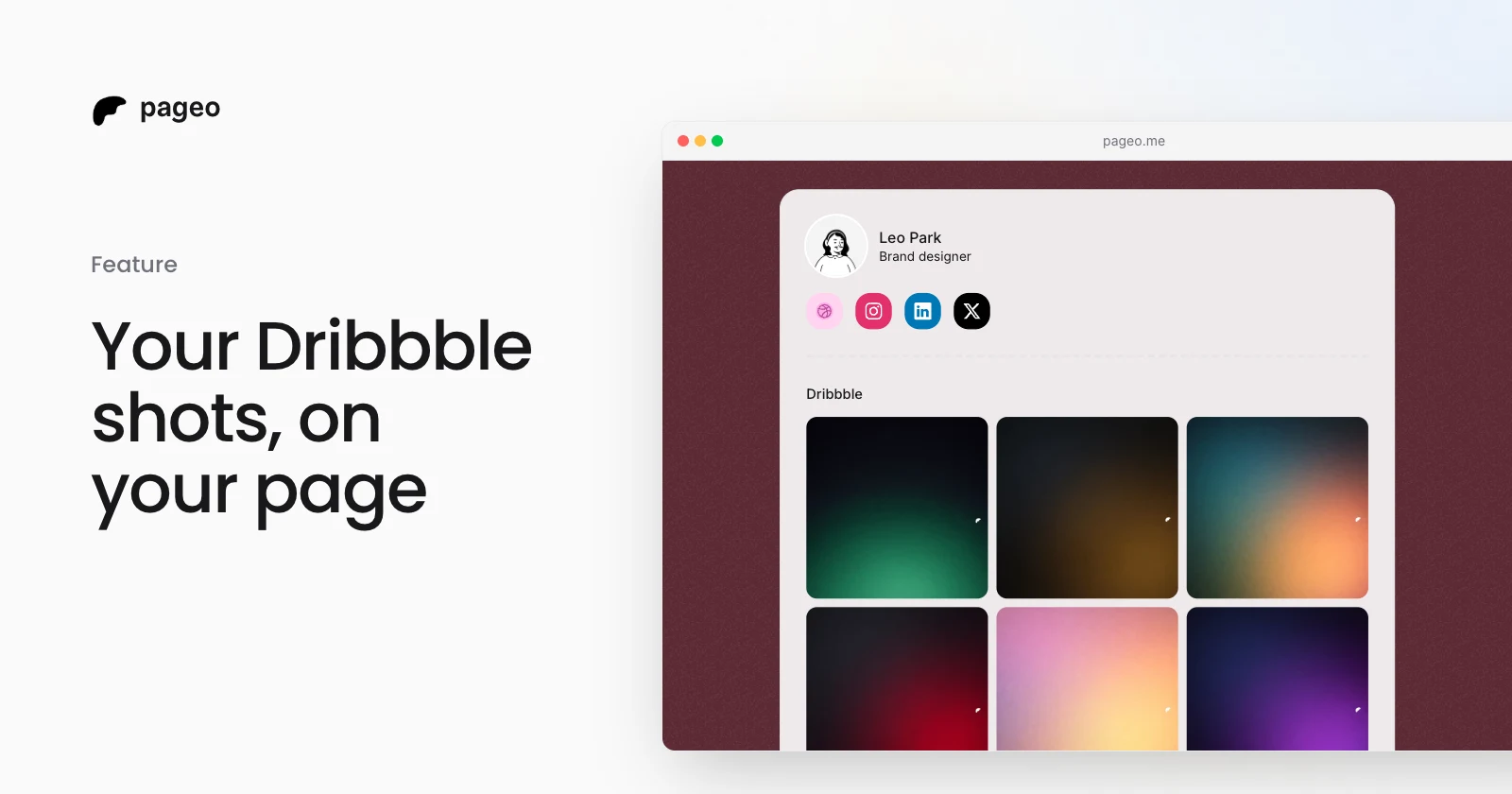
Connect your Dribbble account and show your latest shots as a grid on your pageo profile, in sync with your portfolio.

March 30, 2026Updated October 10, 20261 min read
A pageo profile showing a designer's latest Dribbble shots in a three-column grid

We added Dribbble to pageo. If you are a designer, an illustrator, or anyone who shares work on Dribbble, your latest shots can now appear on your profile.

How it works

Connect your Dribbble account in Settings, under Integrations. Once connected, a grid of your latest shots appears as a section on your public profile. Each tile links to the shot on Dribbble.

Choose 2 or 3 columns, and reorder the Dribbble section with your other sections from the Layout panel. Put it above your links, below your GitHub graph, or wherever it fits.

Keeping it fresh

Your shots are cached and stay in sync with your Dribbble portfolio. When you publish new work, press Refresh in the editor to pull in your latest shots. You can refresh once a minute.

Adding Dribbble as a social link

If you only want a Dribbble icon in your social links, without the grid, you can do that too. In Settings, under Integrations, the Dribbble section has two options:

  • Add your Dribbble profile as a link
  • Connect Dribbble and show the shots grid

Or do both.

Who it is for

Designers who want their portfolio on their link-in-bio page without sending visitors away: product designers, illustrators, UI engineers, brand designers, and anyone whose Dribbble is part of how they present their work.

Your shots show up on your pageo profile, visitors see your latest work at a glance, and every tile links back to Dribbble if they want to see more.

Set it up

Go to Settings, then Integrations. Connect Dribbble, pick your columns, place the section, and save. Your shots are live the next time you publish.
Keep reading

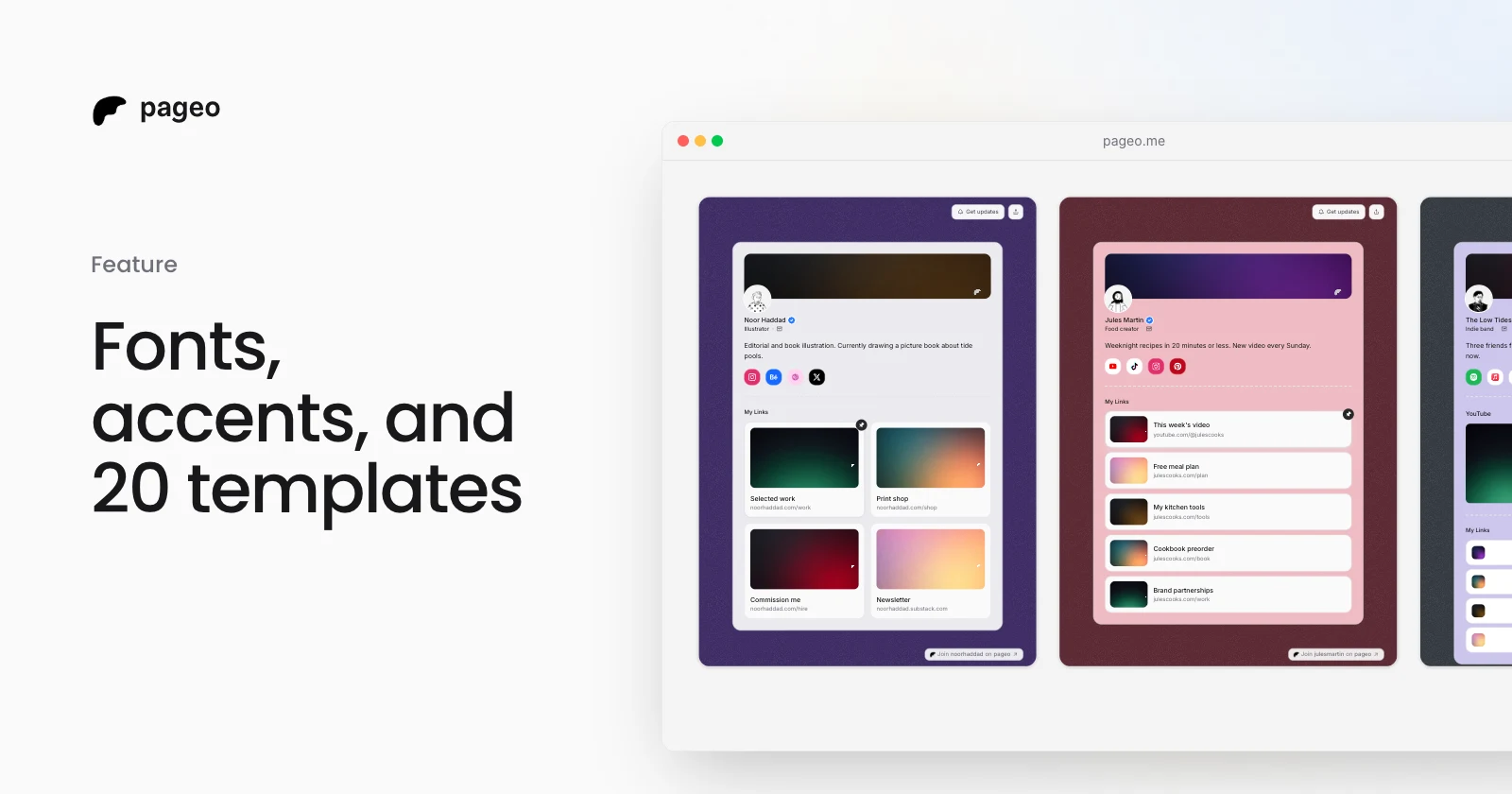
Three pageo templates side by side, each with its own colors, layout, and font

Feature

Oct 17, 2026

Fonts, accent colors, and 20 templates: make your pageo page look like you

Pick a font pair, an accent color, and a link style for your pageo page, or start from one of 20 templates. All of it is free, and Pro adds a moving background.

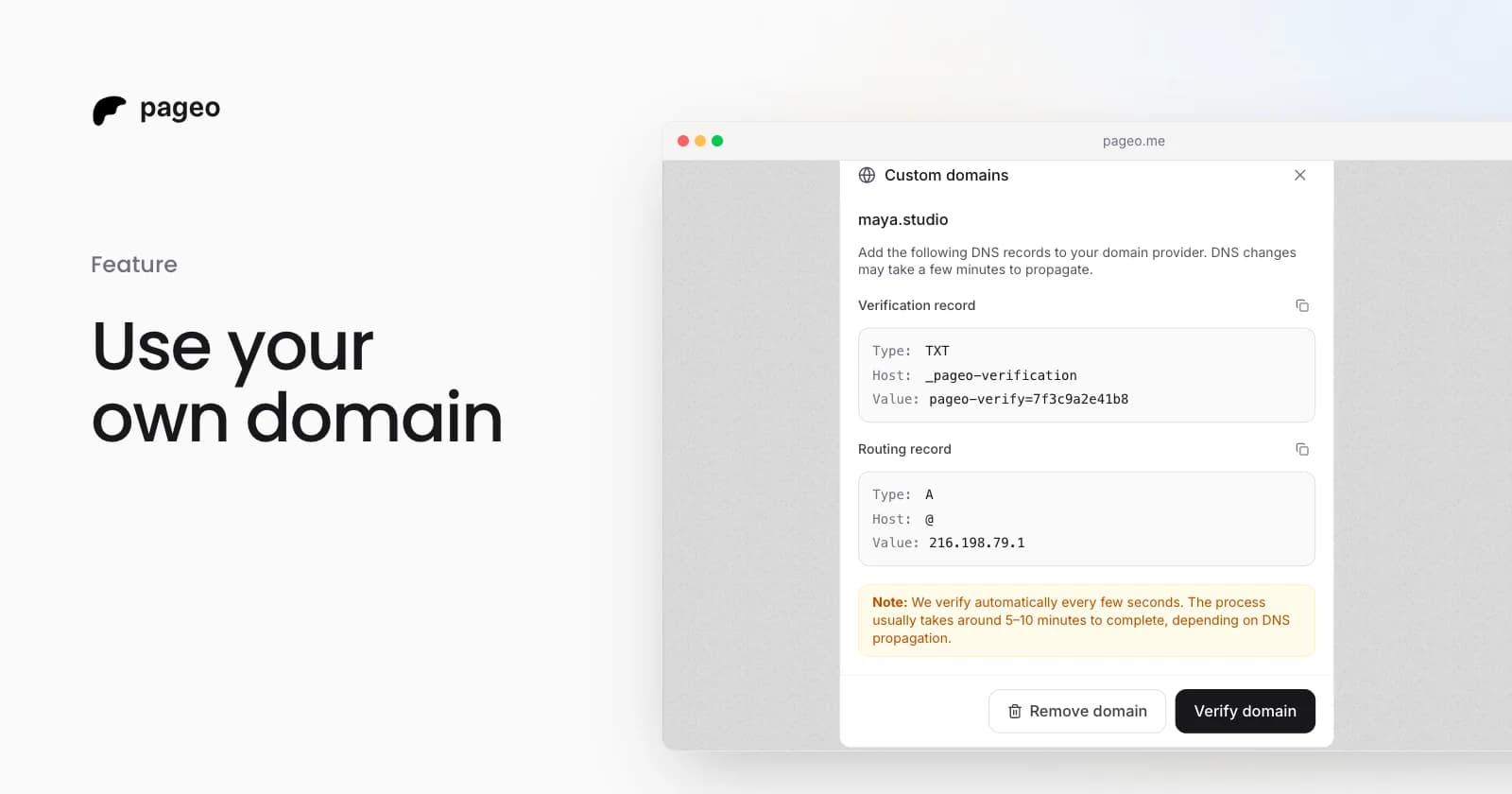
The pageo custom domains dialog with the DNS records to add

Feature

Feb 19, 2026

Custom domains are here: use your own URL for your link-in-bio

Connect your own domain to your pageo profile. Add two DNS records, let pageo verify them, and share a branded URL like links.yourname.com.

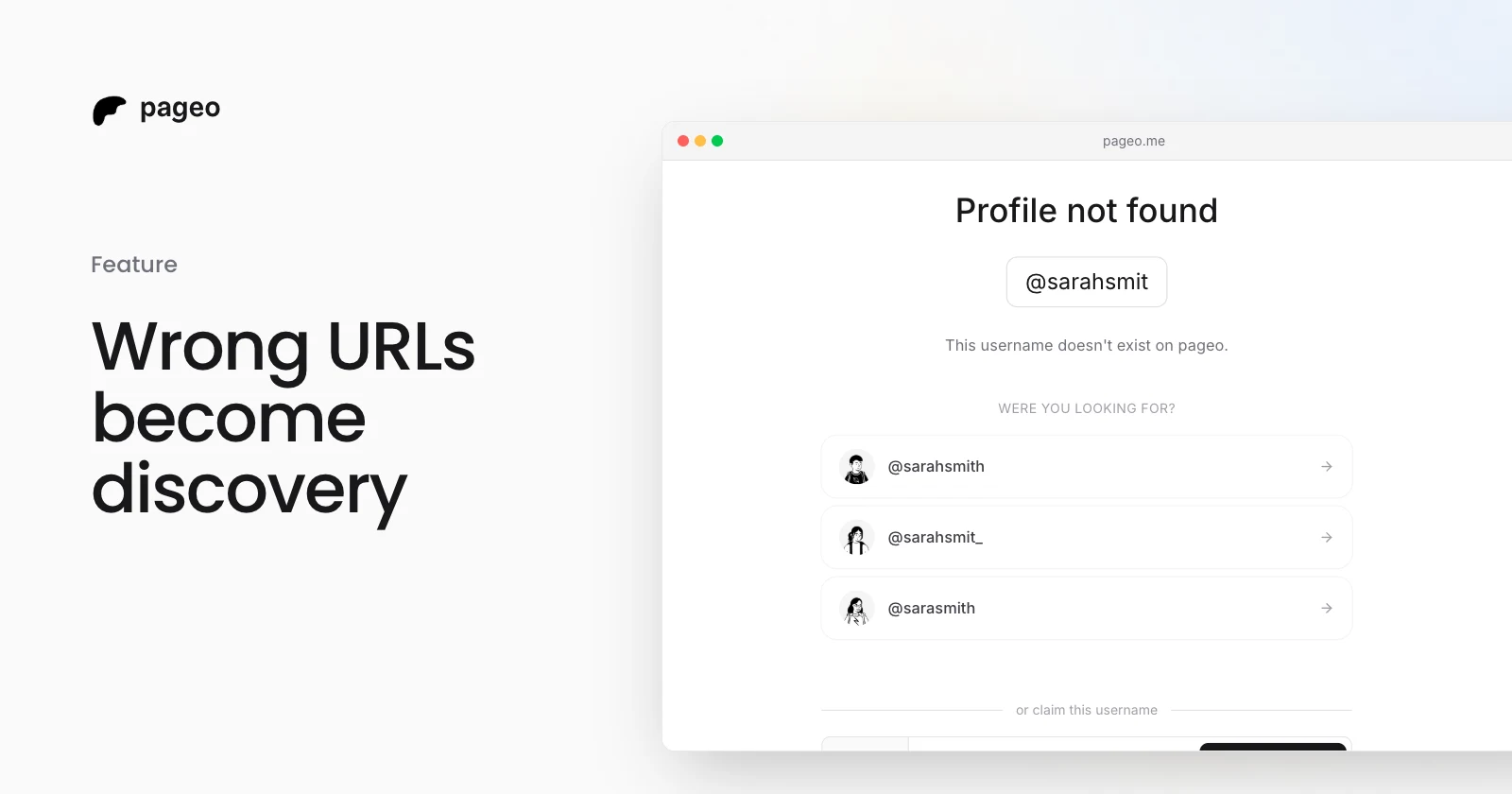
A mistyped pageo URL showing three similar profiles to pick from

Feature

Jan 14, 2026

Turning wrong URLs into discovery: how pageo suggests profiles

A mistyped pageo username does not end on a dead 404. pageo finds published profiles with similar usernames and suggests up to three of them.

Instagram
GitHub

Your whole internet, one link.

Claim your page in under a minute. No card needed.

pageo.me/
alex