



pageo
  • Pricing
  • Profiles
Sign inStart free
pageo

Your links, your work, and every message, on one page.

Product

  • Features
  • Pricing
  • Templates
  • Examples
  • Top profiles
  • Integrations
  • Free tools
Compare
  • Linktree
  • bio.fm
  • Beacons
  • Campsite.bio
  • Taplink
  • Lnk.Bio
  • Alternatives

Resources

  • Docs
  • Changelog
  • Blog
  • Glossary
  • Link in bio guides
  • Who it's for

Company

  • About
  • Contact
  • Follow onX

© 2026 pageo

  • Terms
  • Privacy
  • Content policy
PAGEO
PAGEO
  1. Who it's for
  2. Designers

Your latest work, before they click away.

Pull your newest Dribbble shots into your page, pin the case study you want seen first, and let clients write to you without leaving it.

pageo.me/
alex
pageo.me/lenaortiz

Lena Ortiz

Brand designer

Identity systems for small studios and big ideas. Booking projects for spring. Say hi below.

BehanceInstagramLinkedIn

My Links

Case study: Fieldnotes rebrandlenaortiz.studio/fieldnotes
Type specimens, free downloadlenaortiz.studio/type
Join lenaortiz on pageo

Lena Ortiz

Brand designer

Identity systems for small studios and big ideas. Booking projects for spring. Say hi below.

BehanceInstagramLinkedIn

My Links

Case study: Fieldnotes rebrandlenaortiz.studio/fieldnotes
Type specimens, free downloadlenaortiz.studio/type
Join lenaortiz on pageo

Step by step

Set up a page as a designer

  1. 1

    Add Dribbble, Behance, Instagram, and Pinterest as social links.

  2. 2

    Connect Dribbble in Settings, under Integrations, and pick 3 columns.

  3. 3

    Add your best case study as a grid link and pin it as your primary link.

  4. 4

    Pick a background theme and a cover banner that match your work.

  5. 5

    With Pro, add a project brief form so client inquiries land in your inbox.

At a glance

Free
Links, the Dribbble grid, themes, and covers
With Pro
Forms, the inbox, and a custom domain
Sections that fit
Grid links, Dribbble, contact form

Made for a portfolio that changes every week

Shots that stay current

Connect Dribbble and your latest shots appear as a 2 or 3 column grid. Press Refresh after you post, and the grid catches up.

Lead with the right project

Pin one grid link as your primary link. It comes first, gets a pin badge, and stays put when you reorder the rest.

Inquiries in one place

With Pro, add a contact form or a project brief form. Every message lands in one inbox, with an email when it arrives.

Built in

What your page can do

Bio page

One clean page, every link you share.Explore

Inbound

Every message from your page, one view.Explore

pageo pass

Your profile as a card, with a QR on the back.Explore

Common questions

  • Yes. Each integration is its own section. Connect both in Settings, under Integrations, and reorder them in the Layout panel.

  • Your shots are cached. Press Refresh in the editor after you publish new work to pull them in. You can refresh once a minute.

  • Pick a grid, list, or minimal layout, a background theme, a card color, and a cover banner of your own or one of six defaults.

From the blog

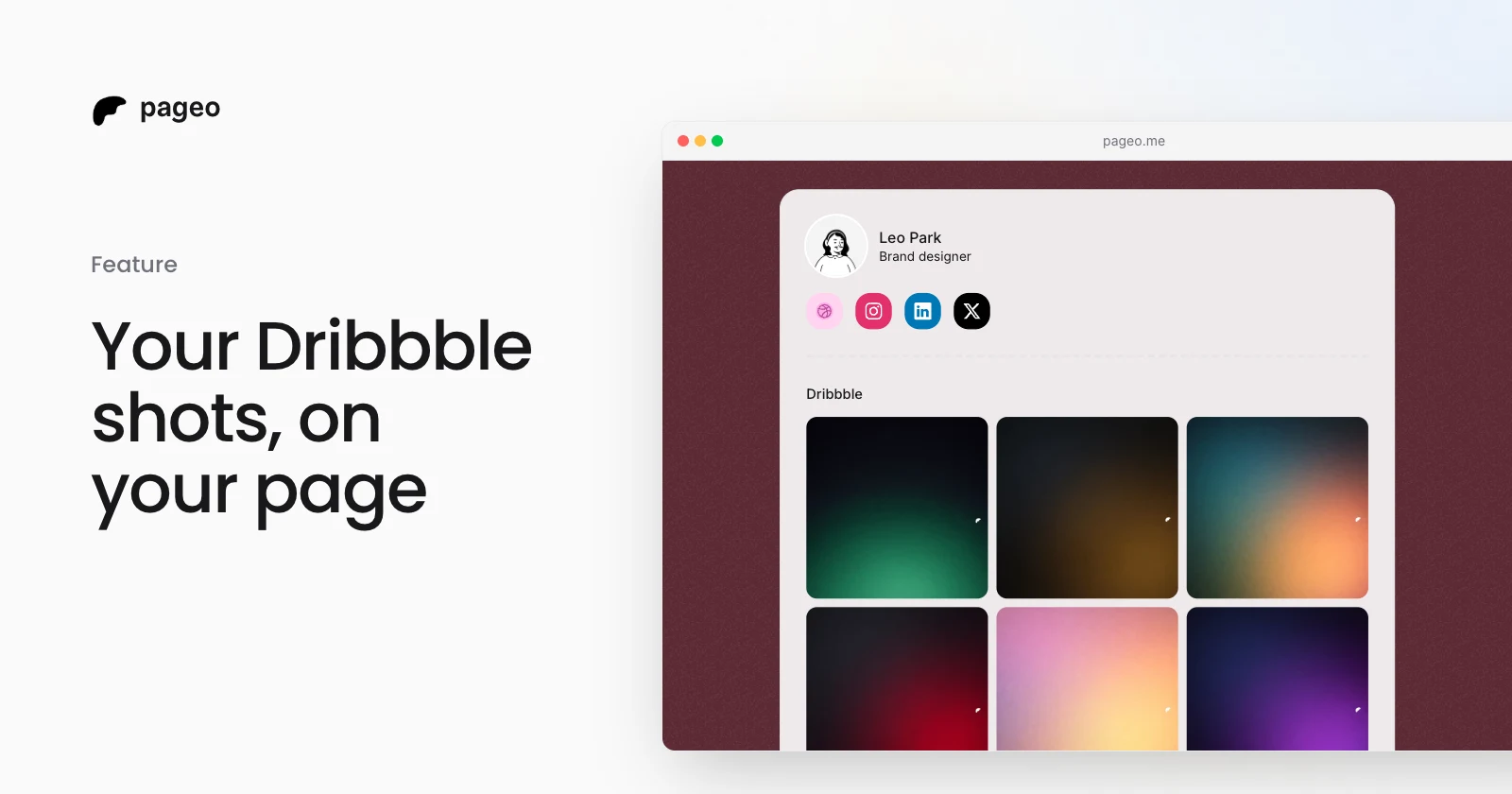
A pageo profile showing a designer's latest Dribbble shots in a three-column grid

Feature

Mar 30, 2026

Dribbble integration: show your shots on your profile

Connect your Dribbble account and show your latest shots as a grid on your pageo profile, in sync with your portfolio.

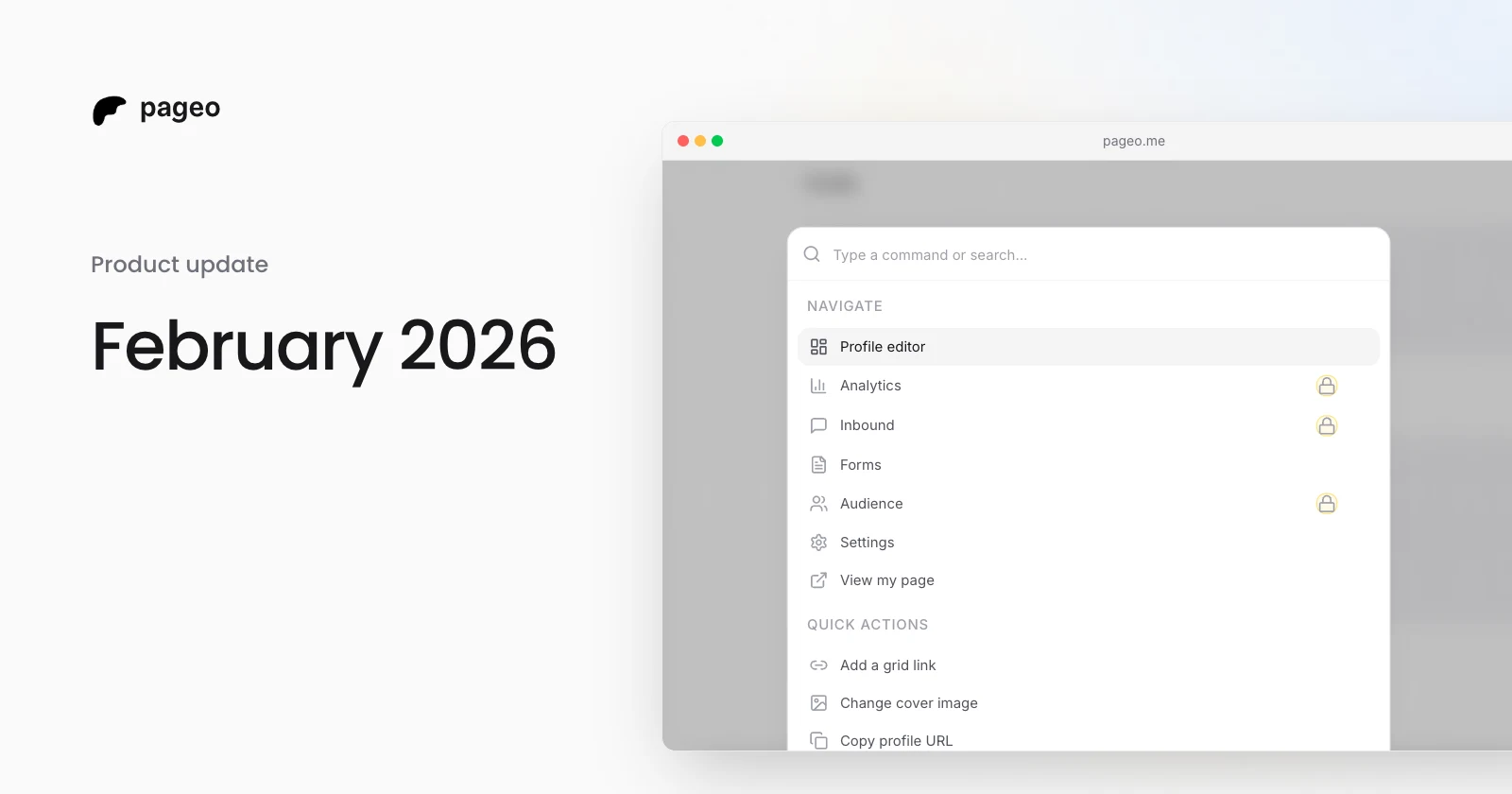
The pageo command palette open over the profile editor

Product

Feb 27, 2026

February 2026 update: command palette, pinned links, covers, and discovery

A command palette for keyboard-first editing, a pinned primary link, default and custom cover banners, and a public page of the most visited profiles.

Keep exploring

Related

  • Dribbble integration

Who it's for

  • Developers
  • Creators
  • Musicians
  • Podcasters
  • Freelancers
  • Photographers
  • Small businesses
  • Coaches
  • Real estate agents
  • Restaurants
  • Artists
  • Writers
  • Students
Instagram
GitHub

Your whole internet, one link.

Claim your page in under a minute. No card needed.
pageo.me/
alex