You can now connect your AI assistant to pageo. Ask it about anyone with a public pageo page, or ask it how your own page did this week. pageo runs an MCP server, the standard way assistants such as Claude, ChatGPT, Cursor, and Claude Code connect to outside tools.
The server only reads. It can never change your page.
What you can ask
Without an account, the assistant can read what a public page already shows:
- "How do I book @maya?"
- "Find designers on pageo."
- "What did @maya post last?"
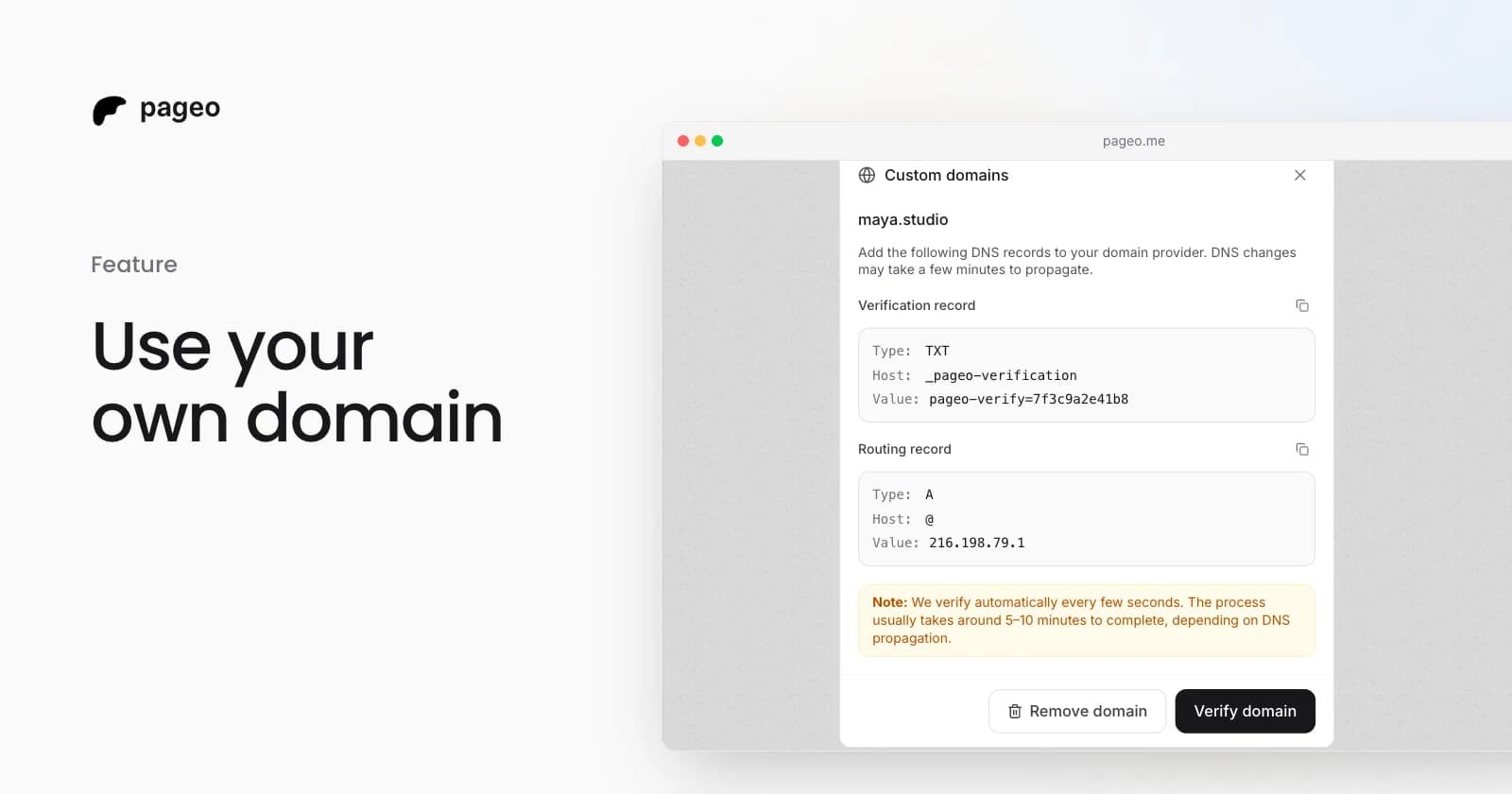
- "How do I add a custom domain to pageo?"
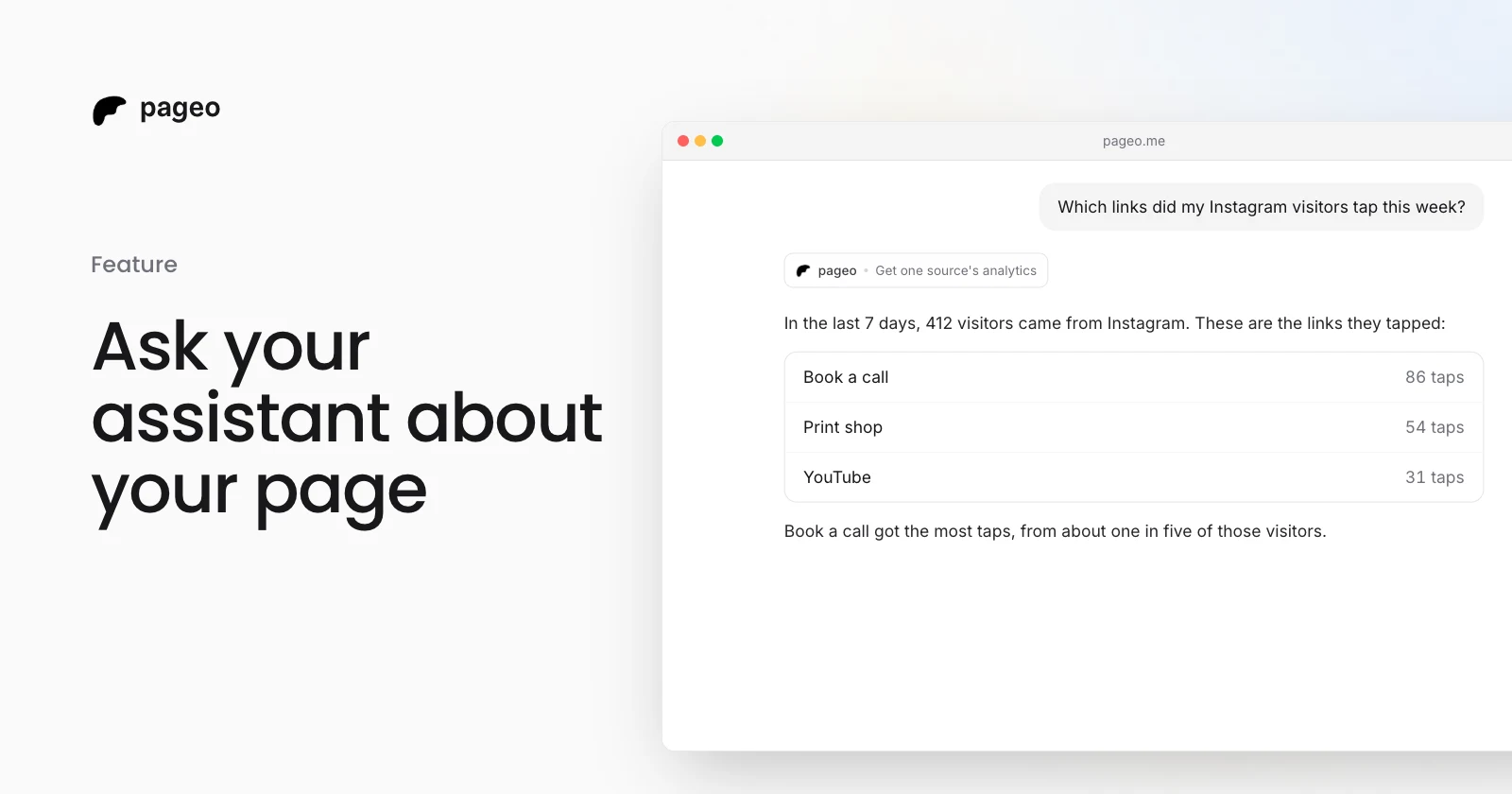
With a personal token, it can also read your own analytics:
- "How did my page do this week?"
- "Which links did my Instagram visitors tap?"
- "Which form gets the most messages?"
- "What do people search on Google before they find my page?"
The assistant picks the right tool from your question, so you do not need to name one.
Connect your assistant
The server address is:
https://www.pageo.me/api/mcp
- Claude: go to Customize, then Connectors. Choose Add, then Add custom connector, and paste the address. Under Authentication, choose No sign in. Free plans can add one custom connector.
- ChatGPT: add a custom MCP server with the address and choose No authentication. OpenAI moves this setting and changes which plans have it, so follow OpenAI's guide for your plan.
- Claude Code, Cursor, and other tools: add a remote MCP server with the address. It uses the streamable HTTP transport.
Look up any public page
Without a token, the assistant has six tools. They read a page, list a page's posts, read one post, search pages by name or role, search the pageo docs, and read one doc.
Search can narrow to a directory category such as Designers or Musicians. It lists only the pages that search engines may list, the same as the profile directory.
Ask about your own analytics
A personal token lets your assistant read your page's analytics.
- In Settings, under Integrations, find AI assistants and choose Make a token.
- Give the token the name of the place where you use it, such as "Claude on my laptop", and choose Make token.
- Copy the token. pageo shows it only once.
- Add the header
Authorization: Bearerand your token to the pageo connection in your assistant.
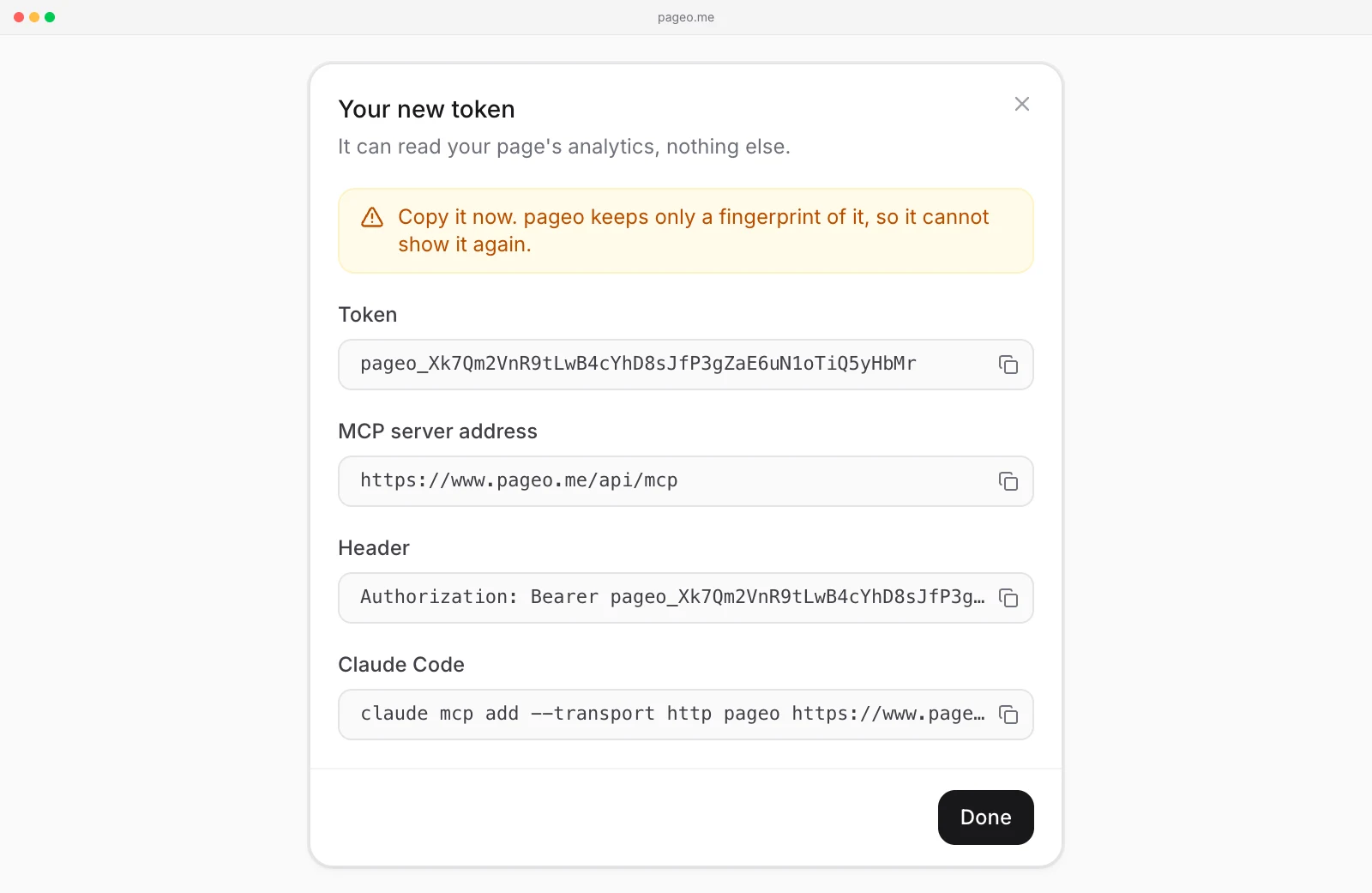
The token window also gives a command you can paste into Claude Code. In Claude, add the header under Request headers when you set up the connector. ChatGPT cannot send a header yet, so it shows only the public tools.
With a token, the assistant gets eleven more tools: your overview, your links and one link, your sources and one source, your visitors, your forms and one form, your Google search numbers, your QR scans and short links, and your pass, posts, and work page. Each one takes a range, such as the last 7 or 30 days, and your time zone.
The tools follow your plan the same way the analytics pages do. Sources, forms, the last 90 days, and all time need pageo Pro.
What the assistant cannot see
- Anything a visitor cannot see. The server reads only published pages. A private page, a page behind a content warning, and a suspended page return "not found".
- Your private data. A token reads your analytics only. It cannot see drafts, form messages, subscribers, or settings.
- Other owners' numbers. A token reads only the analytics of the account that made it.
You can have 5 tokens. To stop one, choose the trash icon next to it in Settings, then Revoke. Assistants that use it stop at once.
To keep your page out of AI assistants, make it private with pageo Pro, in Settings under Privacy and trust.
Limits
Each address can make 60 tool calls a minute and 1,000 a day. With a token, the limit is 60 calls a minute and 500 a day for each owner. Over the limit, the server asks the assistant to try again later.
For AI tools that read the web directly, every page also has a Markdown version at pageo.me/yourusername.md.
Read the AI assistants docs for every step and tool.