



pageo
  • Pricing
  • Profiles
Sign inStart free
pageo

Your links, your work, and every message, on one page.

Product

  • Features
  • Pricing
  • Templates
  • Examples
  • Top profiles
  • Integrations
  • Free tools
Compare
  • Linktree
  • bio.fm
  • Beacons
  • Campsite.bio
  • Taplink
  • Lnk.Bio
  • Alternatives

Resources

  • Docs
  • Changelog
  • Blog
  • Glossary
  • Link in bio guides
  • Who it's for

Company

  • About
  • Contact
  • Follow onX

© 2026 pageo

  • Terms
  • Privacy
  • Content policy
PAGEO
PAGEO
  1. Who it's for
  2. Coaches

A link in bio that books the call.

Put your booking calendar on the page, ask the right questions before the first session, and send your clients updates between programs.

pageo.me/
alex
pageo.me/leahbrooks

Leah Brooks

Career coach

Helping mid-career designers and engineers move into their next role. 1:1 coaching and a six-week group program.

LinkedInInstagram

My Links

Book a free 20 minute intro callcalendly.com/leahbrooks/intro
Next group program starts in Marchleahbrooks.co/group
Join leahbrooks on pageo

Leah Brooks

Career coach

Helping mid-career designers and engineers move into their next role. 1:1 coaching and a six-week group program.

LinkedInInstagram

My Links

Book a free 20 minute intro callcalendly.com/leahbrooks/intro
Next group program starts in Marchleahbrooks.co/group
Join leahbrooks on pageo

Step by step

Set up a page as a coach

  1. 1

    Add your Calendly booking link and turn on Show as player, so visitors book without leaving your page.

  2. 2

    Add a section header for each offer, such as 1:1 coaching and group programs, with the links under it.

  3. 3

    With Pro, build an intake form that asks about goals, timing, and budget before the first call.

  4. 4

    With Pro, turn on the subscribe button and send your list a short update when a new program opens.

At a glance

Free
Links, a Calendly player, section headers, and text blocks
With Pro
Custom forms, the inbox, email updates, and a custom domain
Sections that fit
Grid links, contact form

From a profile visit to a booked call

The calendar is on the page

A Calendly link can show as a player, so people pick a time on your page instead of opening another tab.

Know who is coming

With Pro, an intake form asks your questions first. Every answer lands in one inbox, with an email to you.

Stay in touch between programs

With Pro, visitors subscribe to your updates, and you tell them when the next cohort opens.

Built in

What your page can do

Inbound

Every message from your page, one view.Explore

Audience

Let visitors subscribe to your updates.Explore

Bio page

One clean page, every link you share.Explore

Common questions

  • Yes. Paste your Calendly link, open the preview, and turn on Show as player. Players are free on every plan.

  • Yes, with Pro. Build a custom form with your own questions, pin it to your page, and read every answer in your inbox.

  • Yes. Add a section header for each offer and put its links under it. Section headers are free.

From the blog

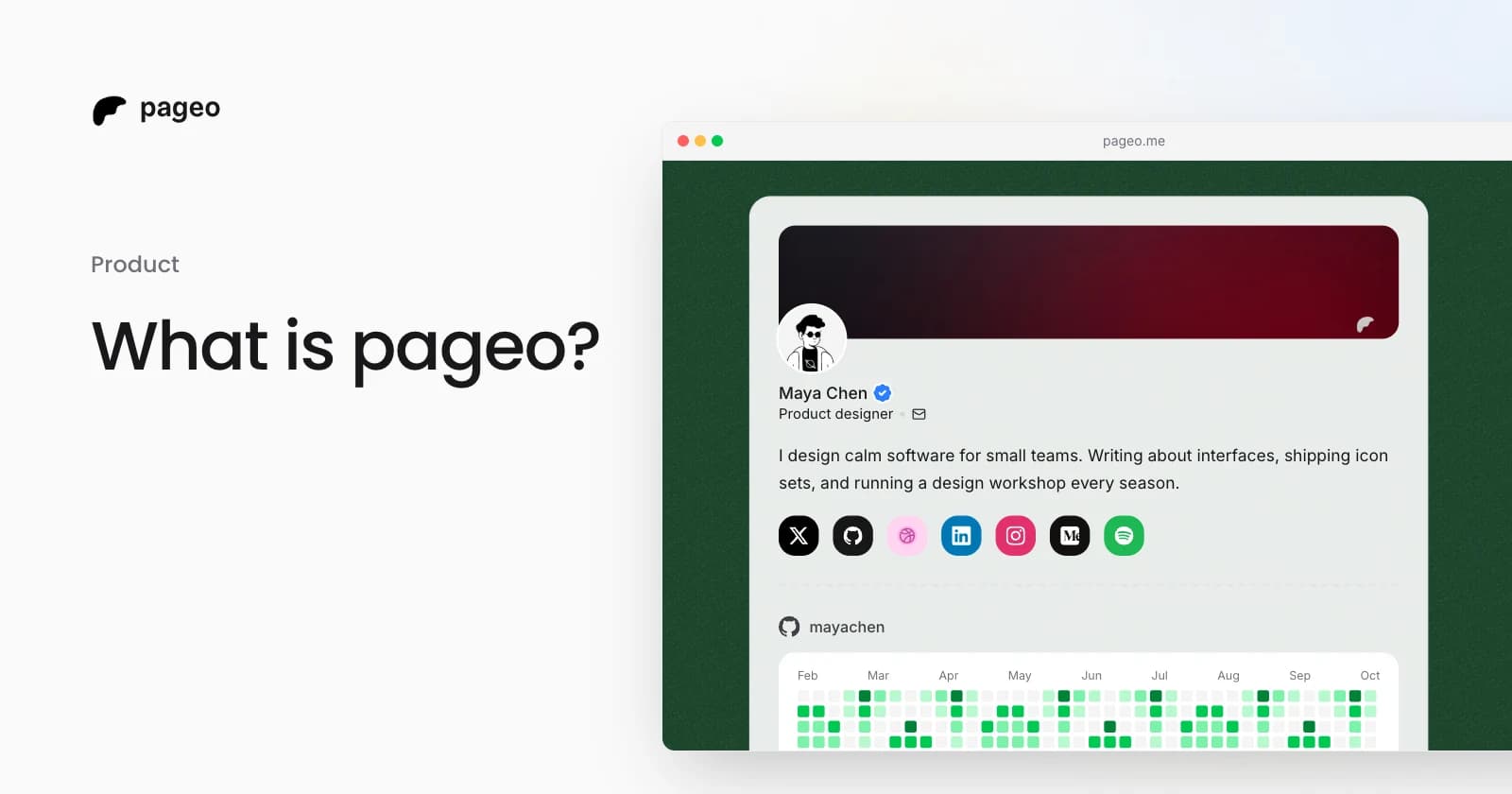
A pageo profile with social links, a GitHub activity graph, and a grid of links

Product

Jan 13, 2026

What is pageo? A minimal, developer-friendly link-in-bio tool

pageo is a fast link-in-bio page with forms, one inbox, an audience you can email, and analytics. Manage it in the editor or as code with GitHub sync.

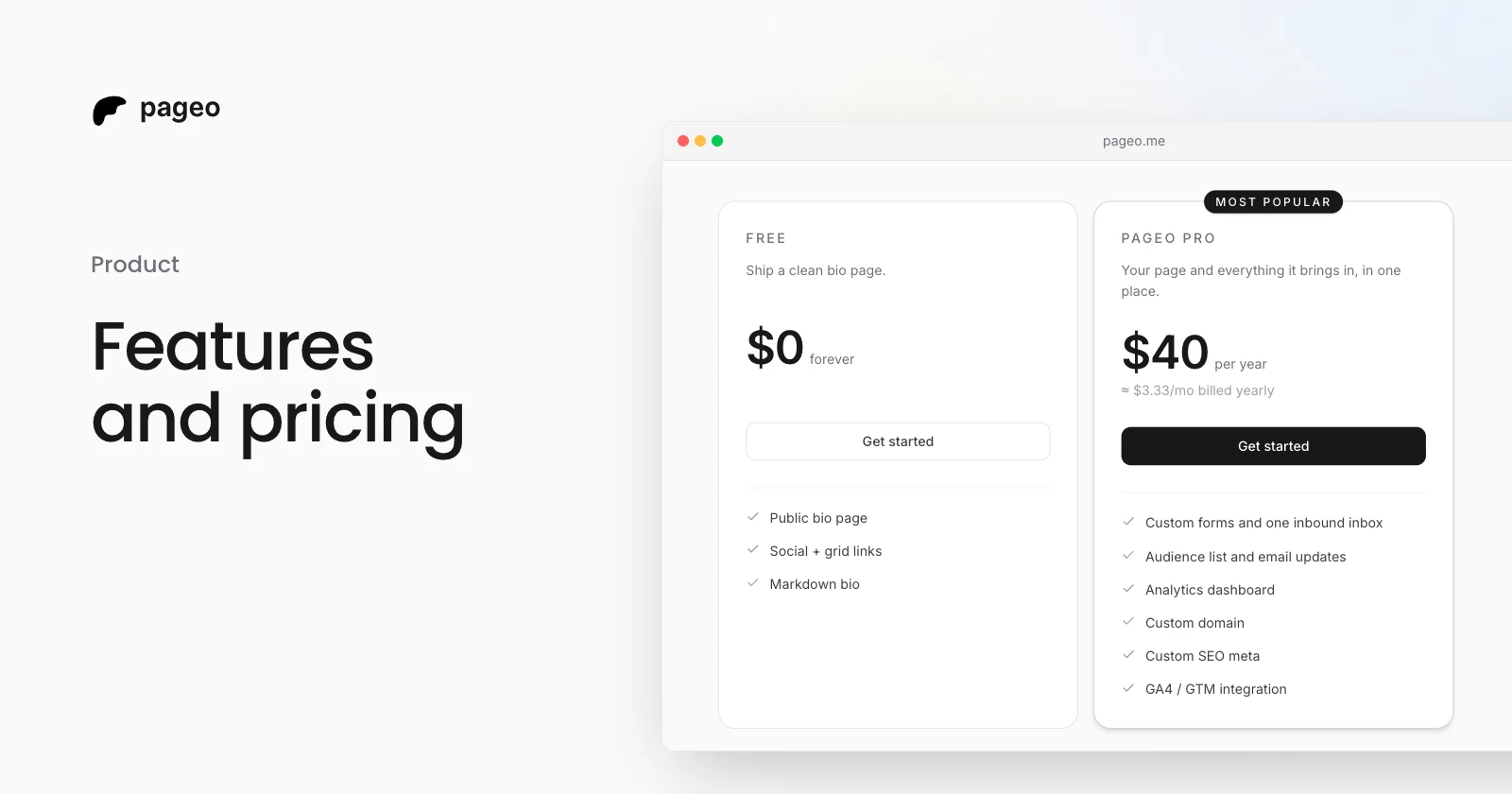
The pageo Free and pageo Pro plans side by side

Product

Jan 15, 2026

Features and pricing: everything you need to know about pageo

What the free pageo plan includes, what pageo Pro adds, and what it costs. A plain guide to choosing a plan for your link-in-bio page.

Keep exploring

Who it's for

  • Developers
  • Designers
  • Creators
  • Musicians
  • Podcasters
  • Freelancers
  • Photographers
  • Small businesses
  • Real estate agents
  • Restaurants
  • Artists
  • Writers
  • Students
Instagram
GitHub

Your whole internet, one link.

Claim your page in under a minute. No card needed.
pageo.me/
alex