Most people who want to hire you start with a DM like "hey, are you available?". You reply with your rates, they ask about timing, and three messages later you still do not know what they need. A work page answers those questions before anyone writes.
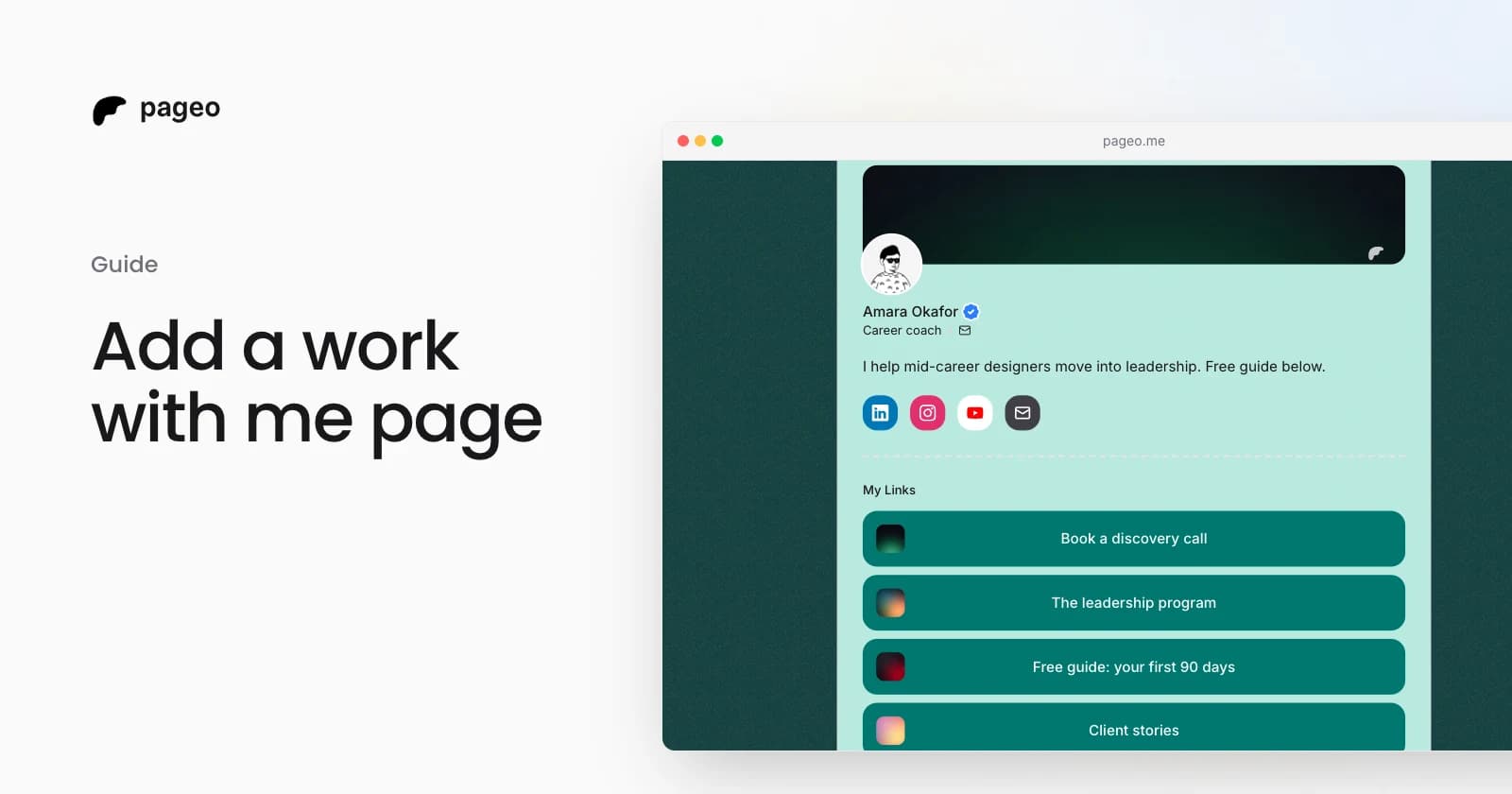
On pageo, the work page lives at pageo.me/yourname/work. It lists what you offer, says how you work, and ends with a form. Every request lands in your inbox with the service the visitor picked. The work page is part of pageo Pro.
What goes on a work page
A good work page answers four questions:
- What do you offer? Up to six services, each with a short description.
- What does it cost? A starting price such as "From $1,500" is enough. People who cannot afford it do not write, and people who can write with a budget in mind.
- How do you work? Your response time, your minimum budget, and what you do not take on.
- How do I start? A form, and for some services a booking calendar.
Set it up in five minutes
- In your pageo admin sidebar, open Work with me.
- Turn on Page, then write a headline and two or three lines about who you work with.
- Add your services. Give each one a name, a price if you share one, and what is included.
- Fill in your terms. Empty fields stay hidden, so add only what matters to you.
- Pick the intake form. It is your contact form unless you built a custom one with questions about budget or timeline.
- Click Save, then open the page from the arrow next to it.
Turn on Button on your profile to show a Work with me button at the top of your link in bio page.
Let people book a call
For a service such as an intro call, paste a Calendly or Cal.com link into Booking link. The scheduler shows under that service, so a visitor picks a time without leaving your page.
Requests that arrive sorted
Each service has a Request this button. It picks that service in the form and scrolls to it. When the request arrives:
- Your inbox shows a Work badge with the service name, and the form filter has a Work requests option.
- The email to you starts with "New work request for" and the service.
- If you use a webhook, the event carries the service too, so Zapier or Make can route it.
pageo checks the service against the ones you saved, so a request can only name something you offer.
Write it so people say yes
- Lead with the outcome. "A brand people remember" says more than "Logo design".
- Name a starting price. It saves you the calls that go nowhere.
- Say what you do not take on. It sounds strict, and it brings you better requests.
- Keep the form short. Ask for a budget and a timeline, and leave the rest for the first call.
Read the work with me docs for every setting, or see pageo Pro for what else it includes.